How does message redaction work for protecting PII?
Last updated: March 5, 2026
Context
When handling sensitive customer data or personally identifiable information (PII), it's crucial to have robust data protection measures in place. Message redaction allows you to remove sensitive information from your system at different levels of granularity.
Answer
There are several layers of controls available for managing sensitive data and PII:
1. Message-Level Redaction
For precise control, you can redact individual messages that contain PII:
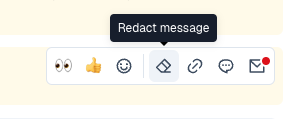
Each message has a "Redact message" action available
Use this to remove specific messages containing sensitive information from the system
You can also redact just portions of a message by highlighting text, for example a PIN number
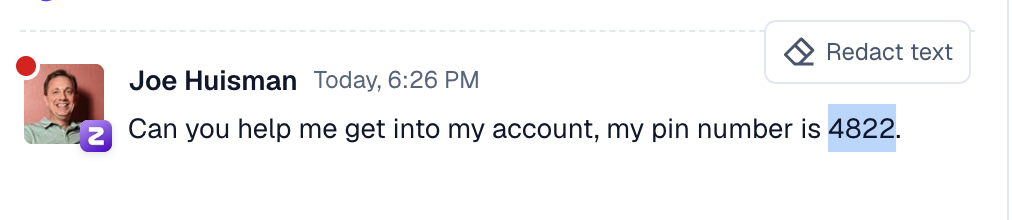
The Redaction feature hard deletes the data from Pylon's database and will no longer be accessible in the platform.
2. Issue-Level Deletion
When an entire issue contains sensitive information:
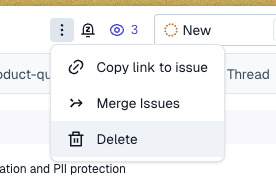
Delete the complete issue to remove all associated messages and data
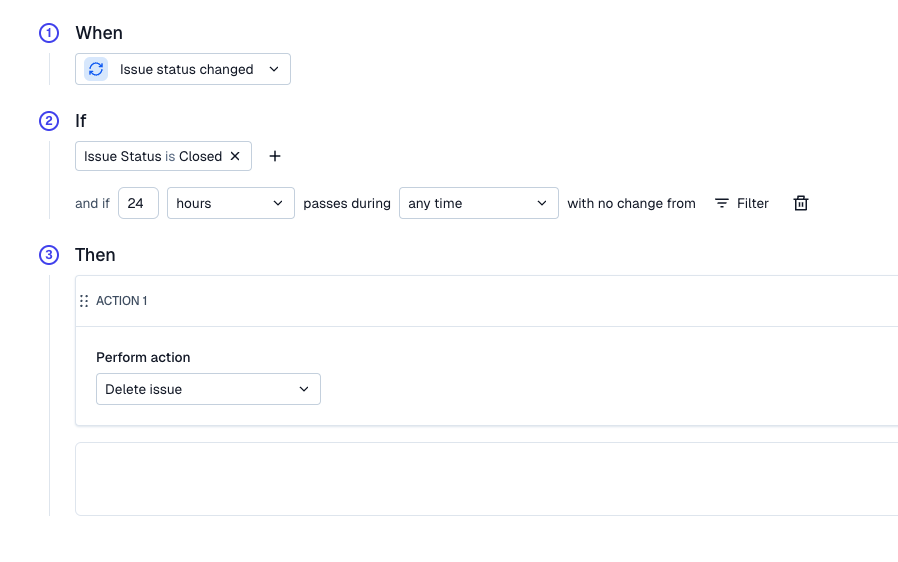
Or you can setup automatic deletion triggers for issues based on specific criteria
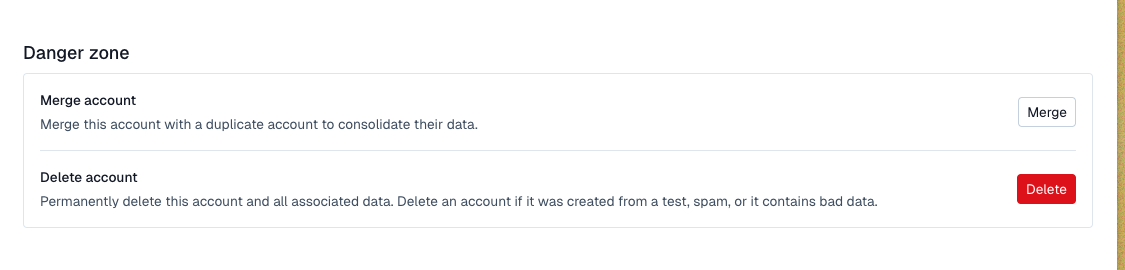
3. Account-Level Data Removal
For complete account data deletion:
Navigate to the account page
Go to the Settings tab
Scroll to the Danger Zone section at the bottom
Additional Data Protection Options
For specific data retention requirements:
Submit custom data retention requests at Data Retention Settings
Industry Specific
For regulated industries (like Fintech and Healthtech), it's best to combine message redaction to remove specific PII you don't want in Pylon while storing other communications long-term for audit trail purposes.