How to turn on support hours for accounts with no Slack Channel?
Last updated: December 4, 2024
This is a temporary workaround and will be built into the product.
Create an Account manually if it isn't already listed on your Accounts Page
Create a dummy Slack channel
#stub-customername. If you make this a private channel, make sure to add the Pylon bot into it.Set the Slack channel to the dummy channel for that account and click save.
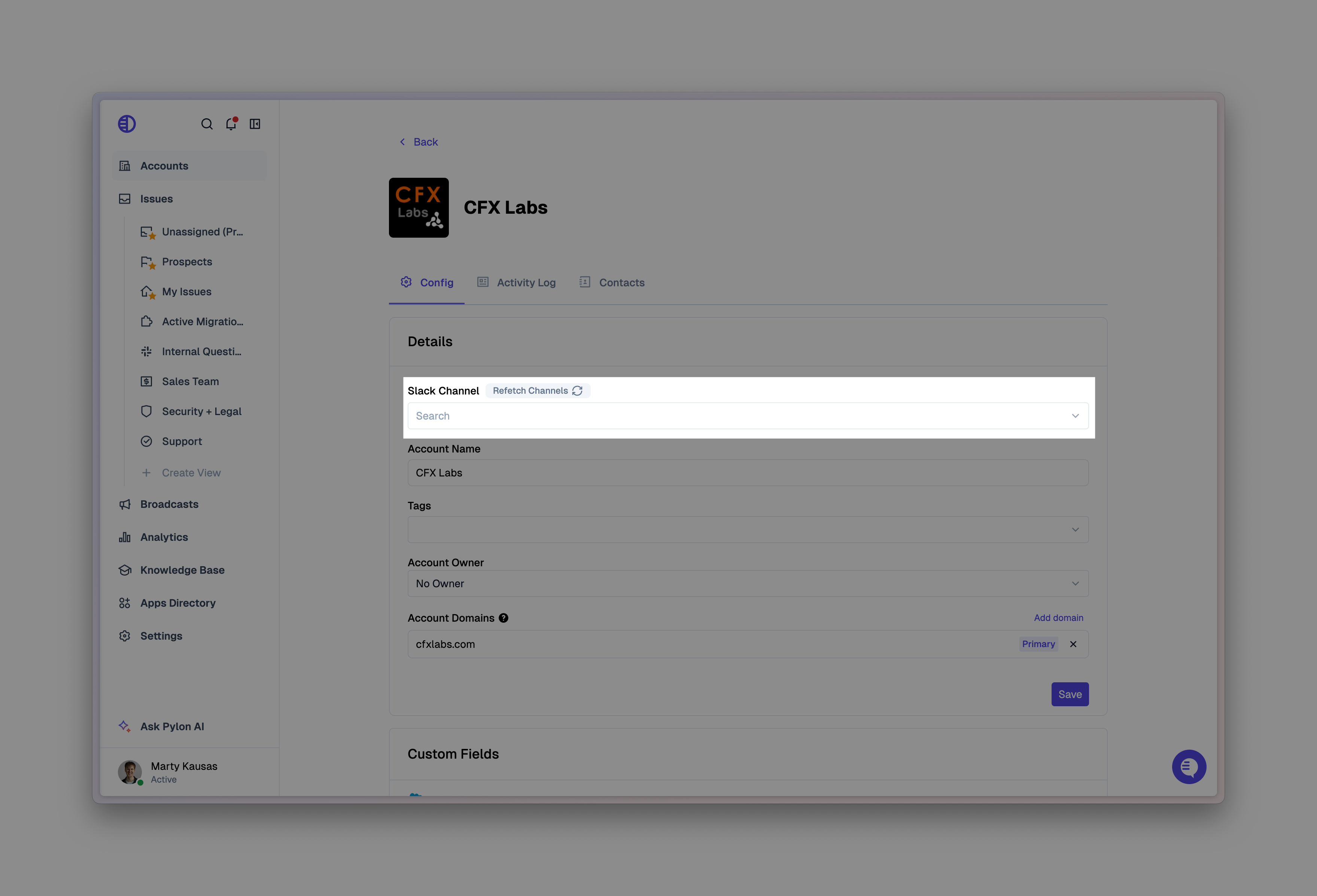
Support hours will now be enabled on that same page if you scroll down!