Guide: Auto-Enrich Contacts with Clay
Last updated: December 9, 2024
This requires you to have a paid Clay account.
Below is a guide on how you can connect Pylon and Clay to automatically enrich support requests with the role and LinkedIn URL of the requester.
Setup
role- Type should be set to Textlinkedin- Type should be set to URL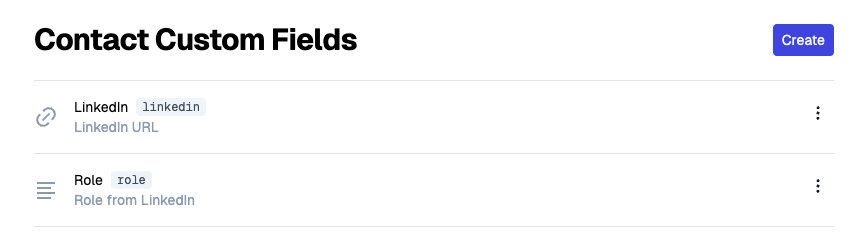
Duplicate this Clay Template
Click Edit Column on
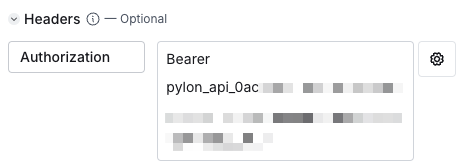
Set Role in Pylon, then replace the Authorization field with your Pylon API Key from Step 2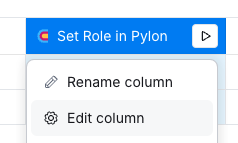
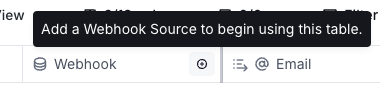
Click Add a Webhook Source in Column 1 and copy the endpoint
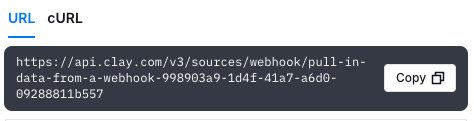
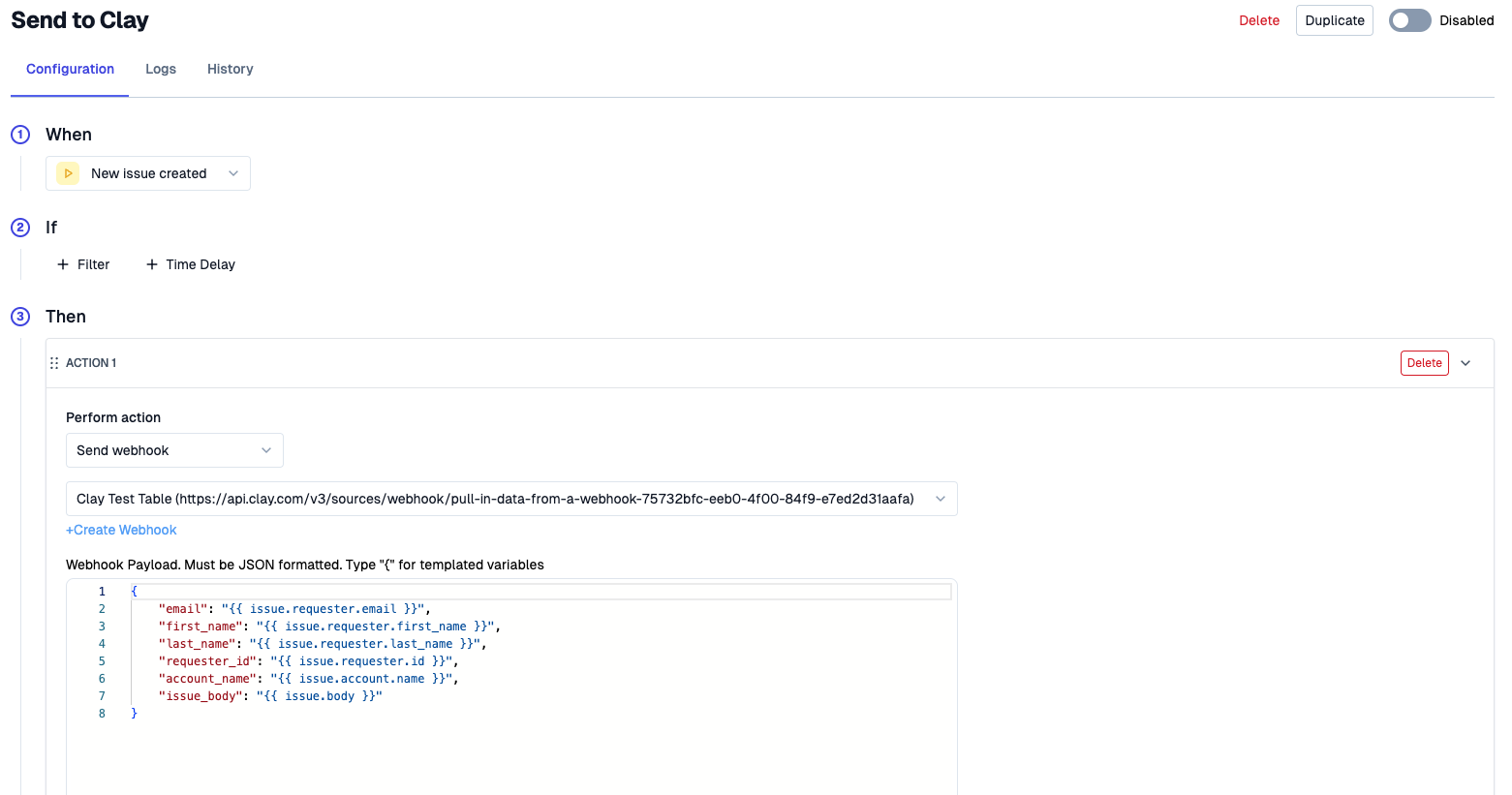
Create a Webhook in Pylon that uses that URL
Create a Trigger that uses that webhook and looks like this