How do I create proactive issues from the Pylon UI?
Last updated: June 2, 2025
Pylon allows you to initiate various types of conversations directly from the UI. This feature is useful for proactively reaching out to customers.
Steps to Start a Conversation
Navigate to the Issues Board in your Pylon dashboard.
Look for the "Create Issue" button in the top right corner of the screen.
Choose the type of conversation you want to start:
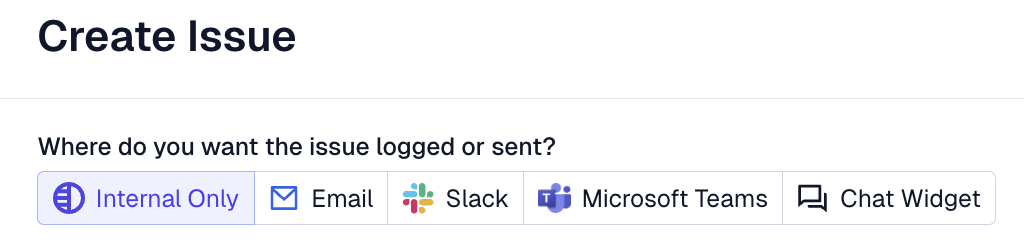
Internal only: For tracking work internally
Email: To send a tracked proactive email to a customer
Slack: To start a tracked conversation in a Slack channel
Microsoft Teams: To start a tracked conversation in a Teams channel
Chat Widget: To start a tracked conversation in chat
Fill in the necessary details for your chosen conversation type.
Submit the form to create the new conversation.
If this is a tracked issue for a new customer, select the "New Account" option while creating the issue, and add the customer's name and email.