How to work on multiple issues in parallel
Last updated: October 8, 2026
The most effective way to handle a high volume of issues is to work on several at once, using automations to pre-investigate while you move between conversations. Instead of working through issues one by one, you juggle multiple issues in parallel — firing off agent queries, switching to the next issue, and cycling back when results are ready.
1. Set up your inbox view
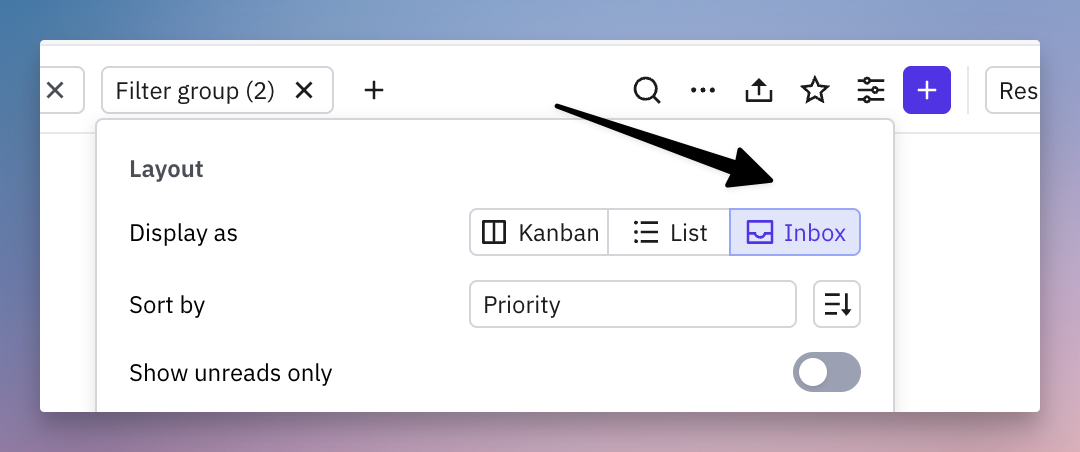
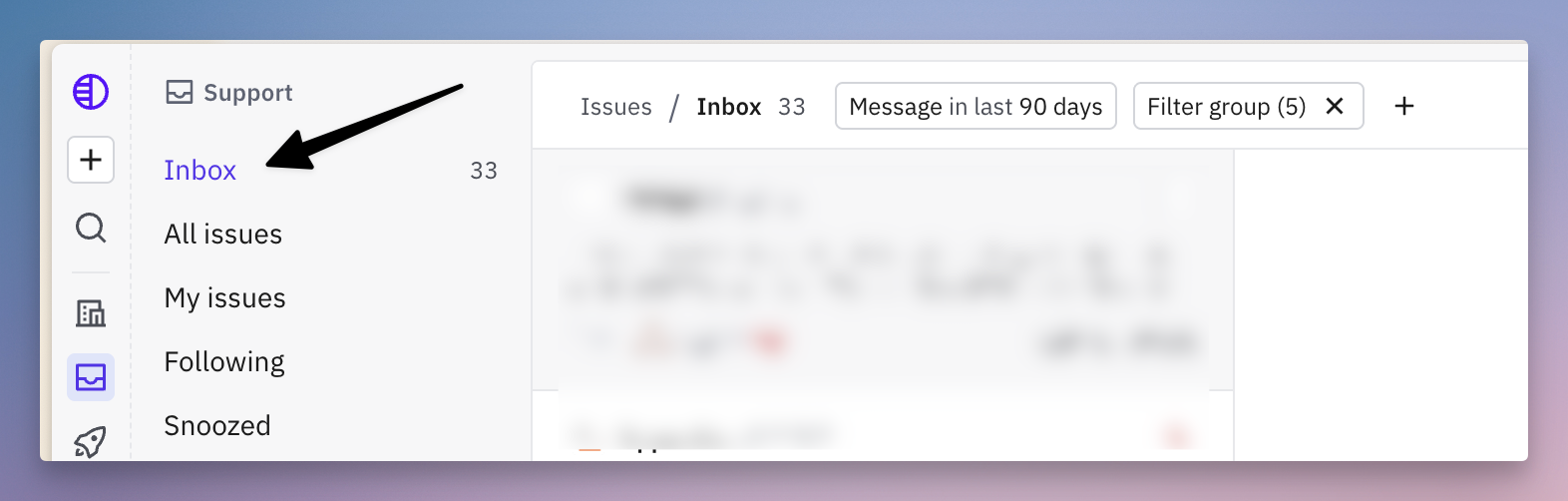
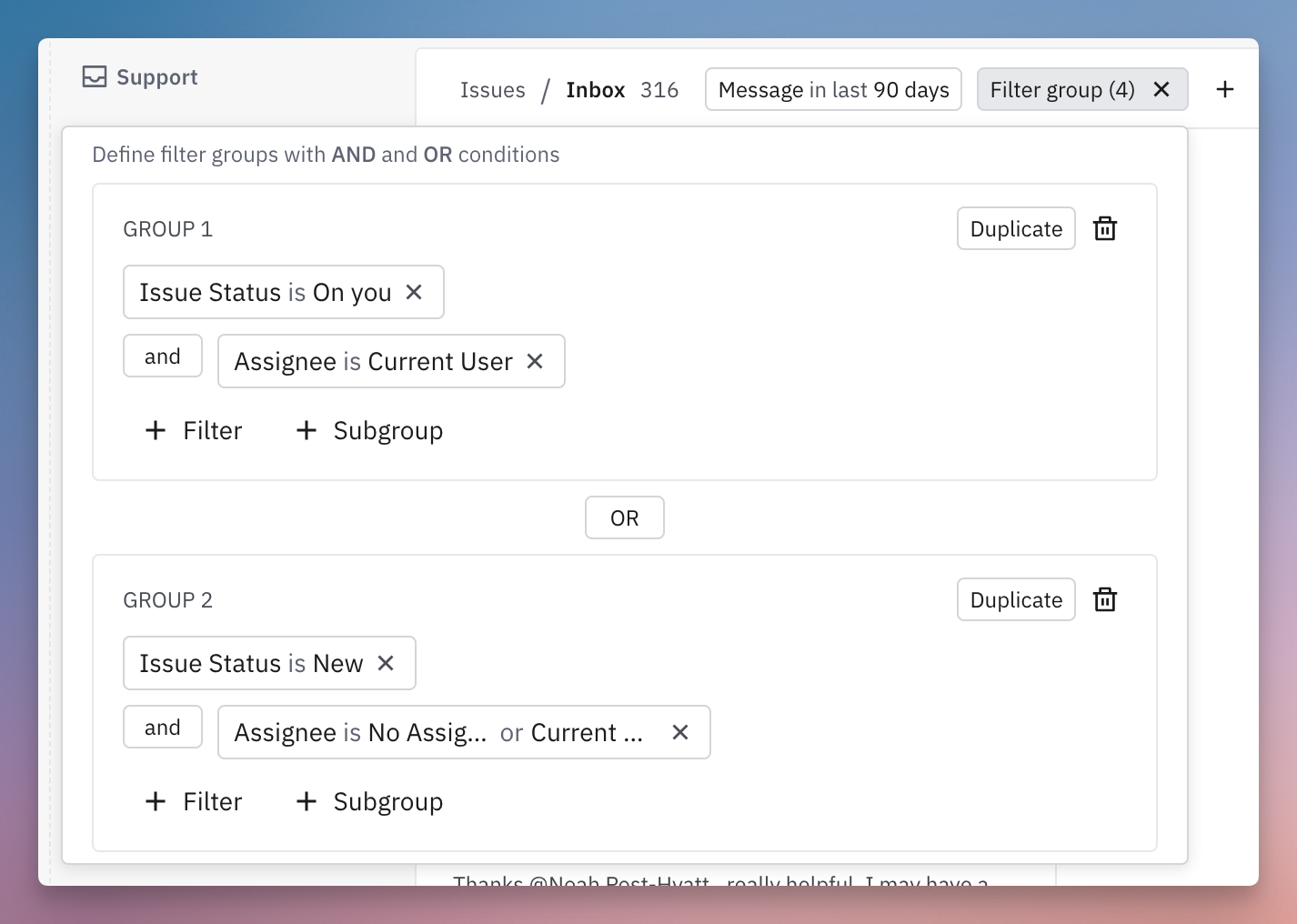
Switch to the Inbox layout so you can quickly move through issues one at a time. You can either:
Change the layout on your main inbox view in the sidebar, or
Convert one of your existing views into an inbox view
2. Pin your Assist agent to the first tab
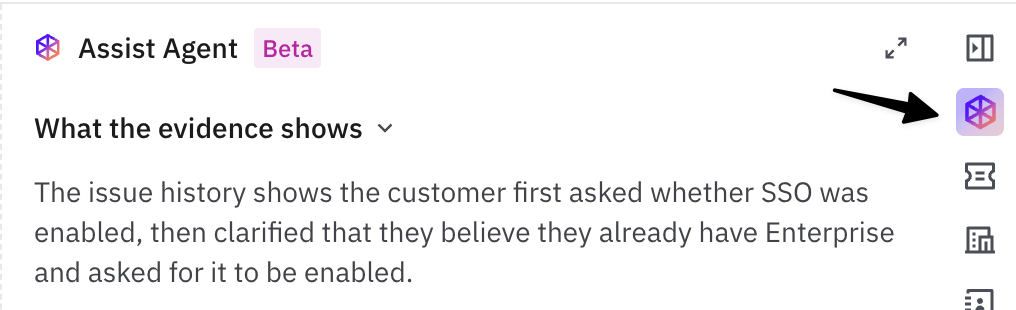
Make sure your Assist agent is dragged to the first tab position in your issue sidebar. This way, every time you open an issue, the agent's investigation and suggested response are immediately visible — no extra clicks needed.
Learn more: 📄 How does the Assist Agent on issues work?
3. Start working through issues
Open the first issue. Read the 📄 Automations pre-investigation and suggested response. Ask a follow-up question or refine the response if needed.
Move to the next issue using the
EscthenJ/Kkeyboard shortcuts to navigate up and down your inbox without leaving the flow.Fire off a query — ask the agent a follow up question or to take an action and keep moving.
Repeat across 2–3 issues. Keep cycling through issues, kicking off agent work on each one.
4. Cycle back to completed investigations
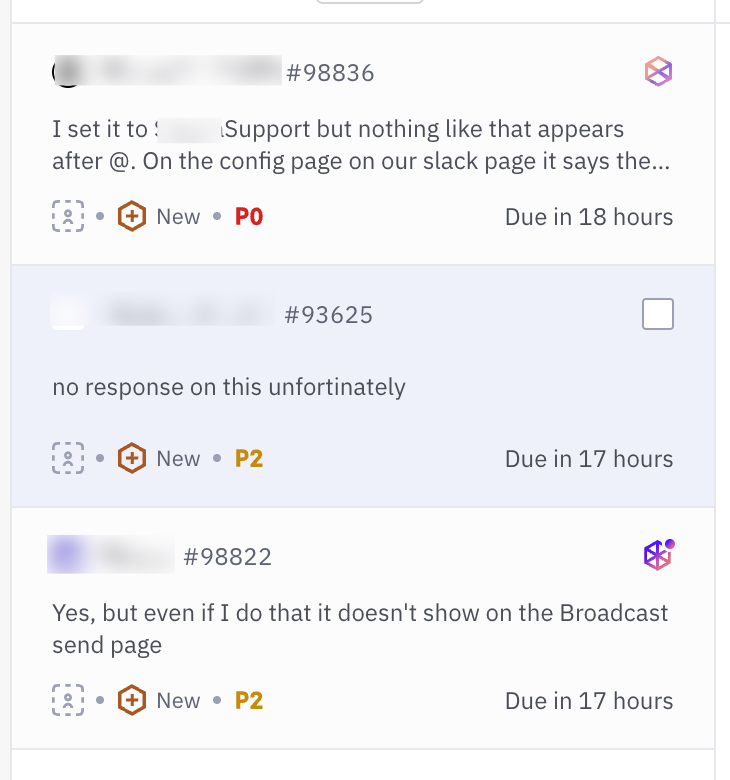
As you navigate your inbox, you'll see spinners on issues where the Assist agent is still running. Once an agent finishes, switch back to that issue, review the result, and continue — send a reply, ask a follow-up to the agent, take an internal action, or escalate.
This loop — fire, move, fire, move, circle back — lets you make progress on many issues simultaneously instead of waiting on each one sequentially and lets you put agents to work for you.