How do I use Assist Agent to configure Pylon?
Last updated: June 1, 2026
The global Assist Agent is available from any page in Pylon via the icon in the bottom-right corner of your screen. Click it to spin up an agent to take actions and get answers — without leaving whatever you're working on.
What can you ask?
Take action in Pylon and ask about Pylon
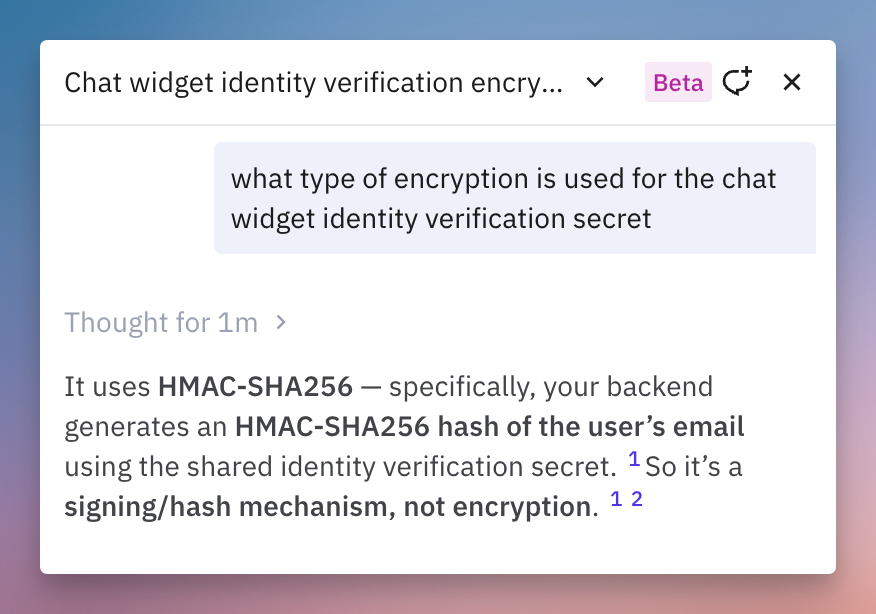
Use the Assist Agent to navigate and take action in Pylon faster. Ask it to perform actions like setting up a trigger, making a knowledge base article, or creating an analytics chart.
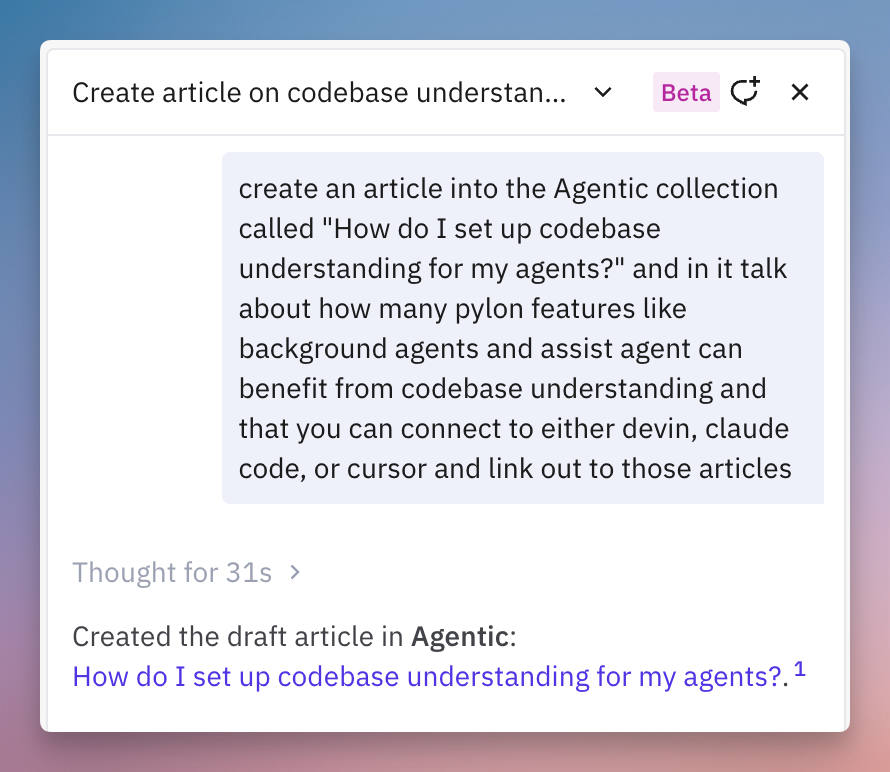
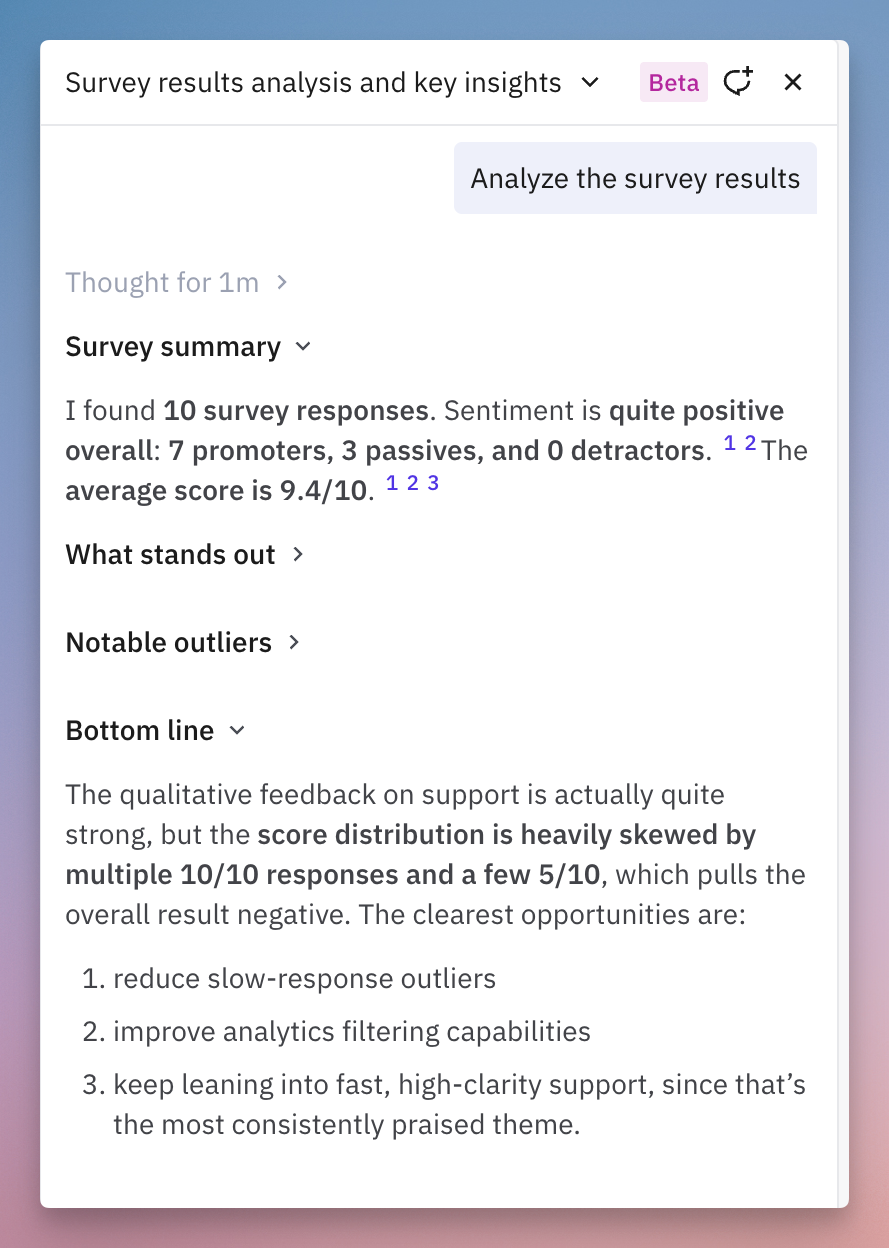
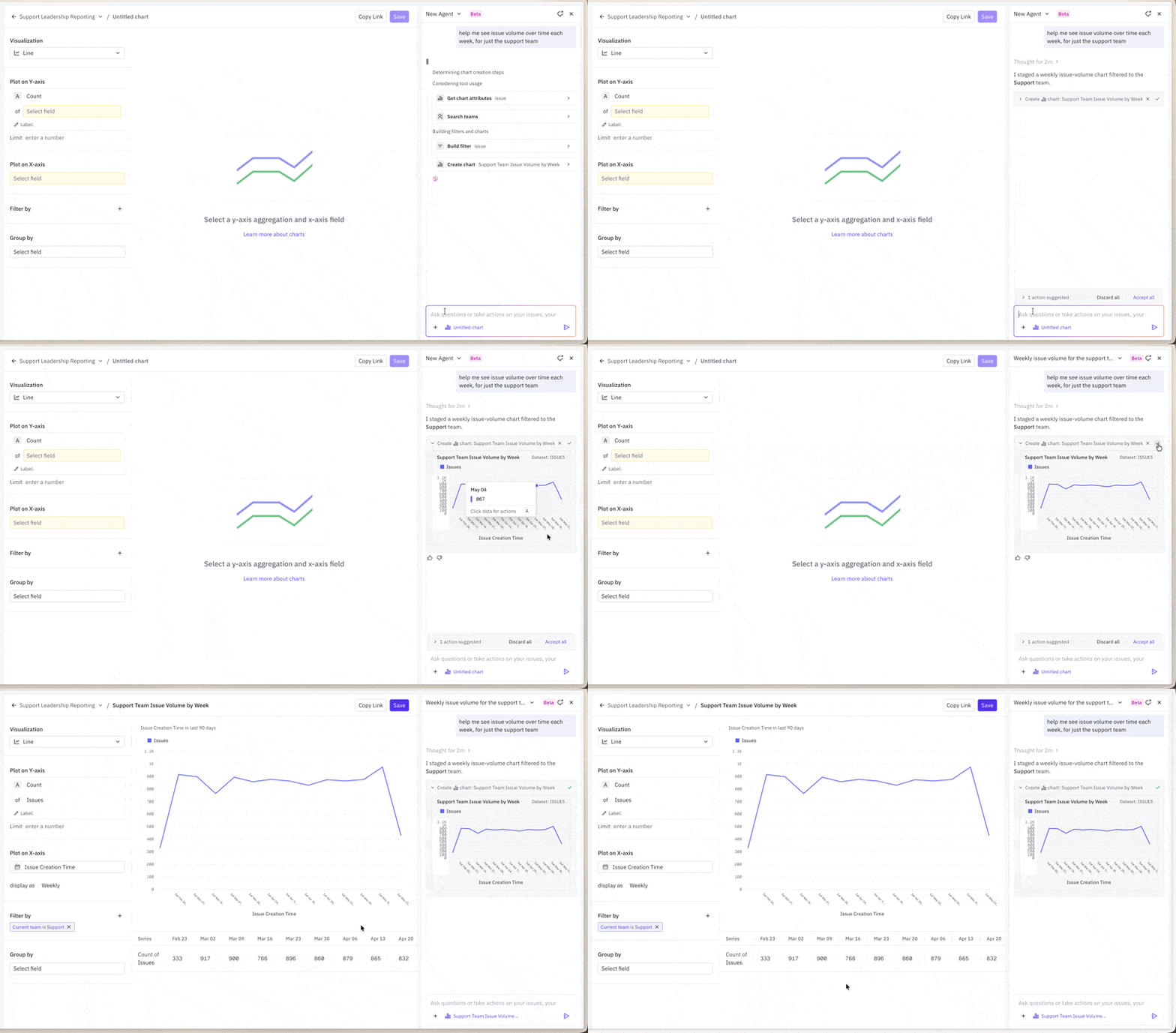
On certain pages, the agent can take direct action on your page.
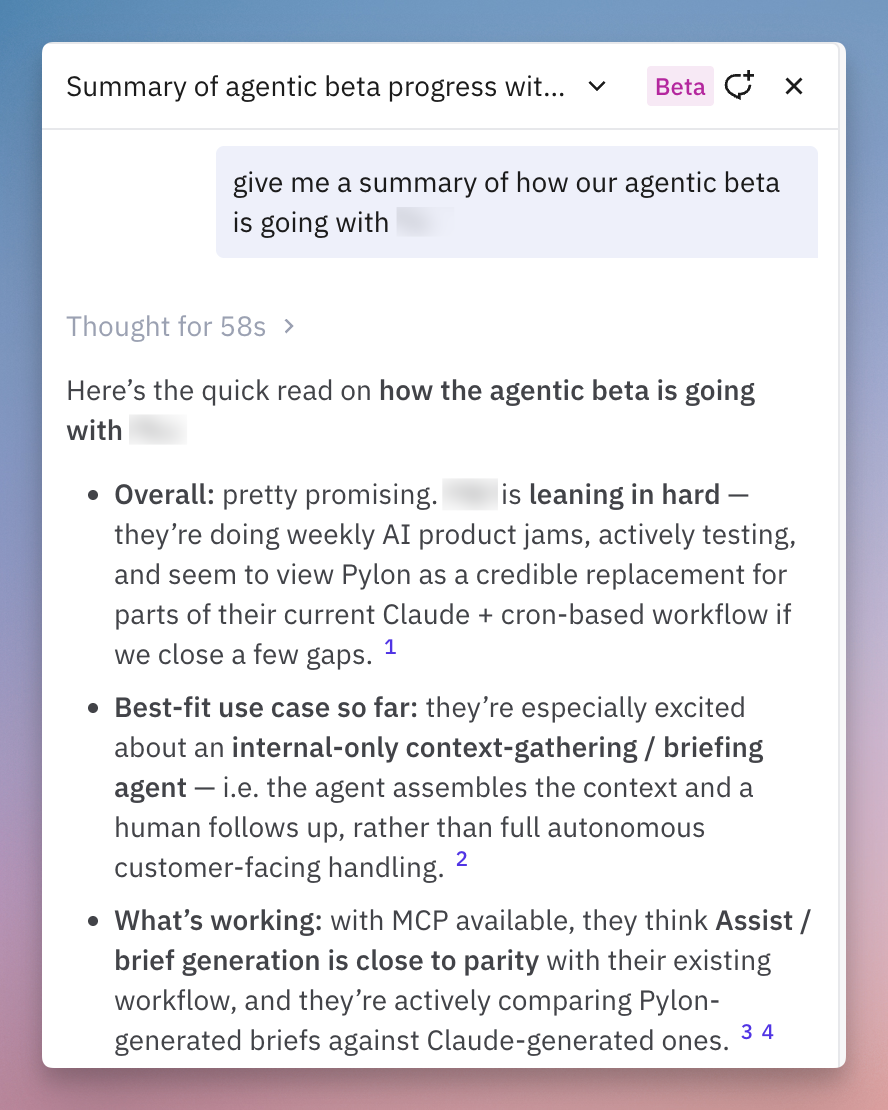
Ask about your customers
Pull up information about specific accounts, contacts, or issue history without searching manually. The Assist Agent can look up customer details, summarize recent activity, and surface relevant context. It has access to your full account history including calls, omnichannel communications, emails, NPS surveys, internal communication, and much more.
Ask about your product
The Assist Agent has access to your knowledge base and product context. Ask it questions about your own product — the same way your customers might — to quickly find documentation, verify answers, or check what's already covered.