How do I get the Slack link for an issue?
Last updated: December 5, 2024
There are several ways to find the direct Slack link for an issue.
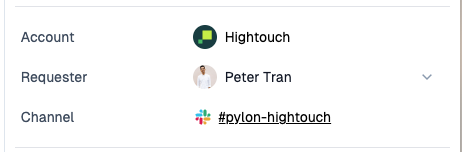
1) In the issue details sidebar, by clicking the Channel link
2) Click the channel link in the current tab

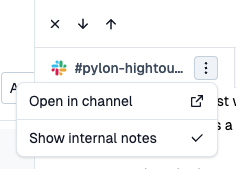
3) Clicking the menu icon on the tab and hitting "Open in channel"