How do I rename the Pylon Slackbot?
Last updated: January 13, 2026
When Pylon is enabled in a customer channel, the customer will see that @Pylon was added to the channel. You can rename the bot so that instead it shows @[YourCompany Support] was added to the channel instead.
To rename:
Click this link
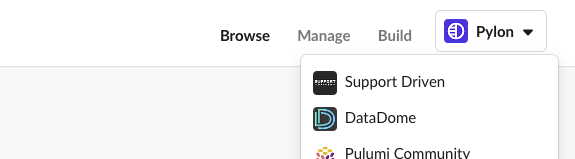
Select your Slack Workspace at the top right
In the Bot User section click "Edit" and rename to whatever you'd like customers to see when you add the bot to the channel
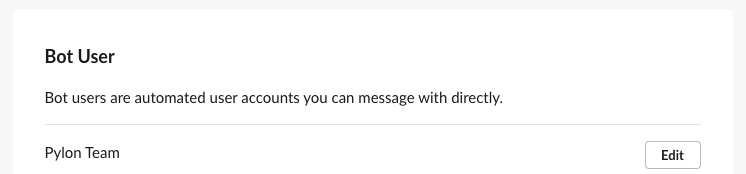
If the above does not work for you follow the instructions below
Click
Add Appsin the sidebarFind and click
PylonClick the
AbouttabClick
ConfigurationScroll down to the section called
Bot Userand clickEditSet the bot name to whatever you'd like. You cannot change the bot logo.