How does AI Article Review work?
Last updated: June 1, 2026
AI Article Review helps you improve knowledge base articles before publishing. You can request a review from Pylon AI during the normal review flow, alongside human reviewers or on its own.
When AI review runs, Pylon analyzes your draft and leaves review comments directly on the article with suggested improvements and supporting citations. You can then review each suggestion, accept or reject changes individually, and publish when you're ready.
Usage
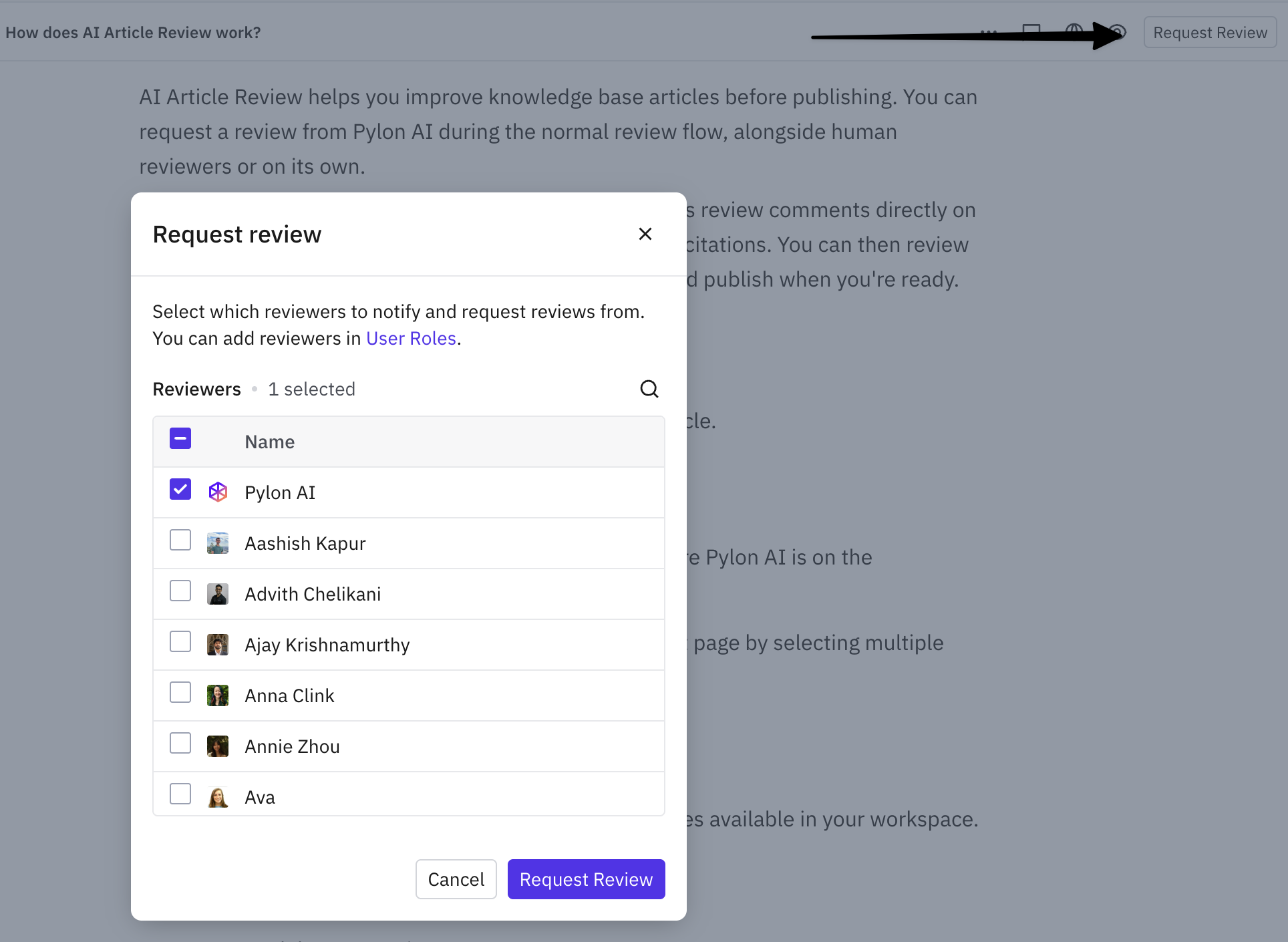
Open an article draft or make edits to an existing article.
Choose Request review from the top toolbar
Select Pylon AI from the reviewer list.
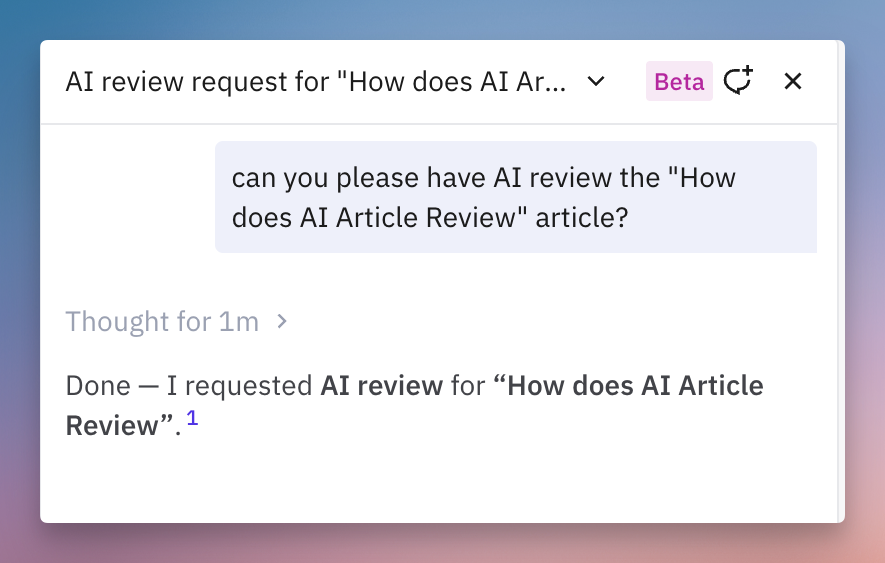
You can also trigger AI review from the Assist Agent by asking for AI to review a certain article
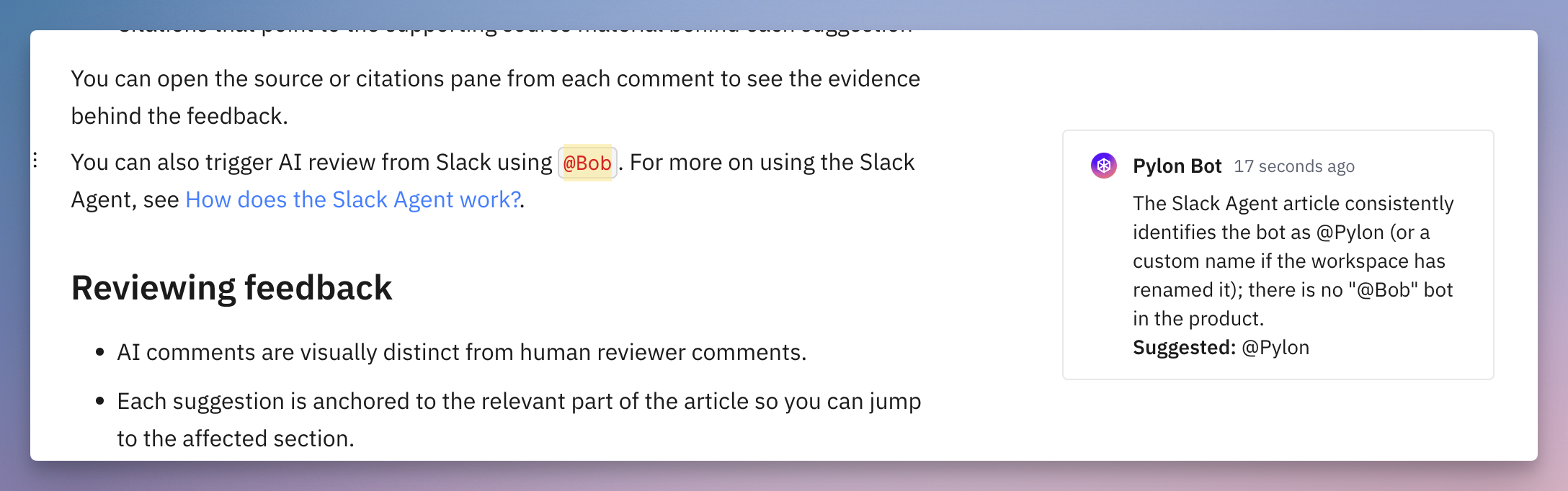
You can also trigger AI review from Slack by tagging
@Pylon- for example@Pylon please review the article about <topic>. For more on using the Slack Agent, see 📄 How does the Slack Agent work?
How it works
AI Article Review evaluates your article against the sources available in your workspace. Depending on what you have connected, this can include:
Your knowledge base content
Connected documentation sources
Connected codebase search
Relevant issue history
Account context
After reviewing the draft, Pylon AI leaves comments on the article with:
Suggestions to improve accuracy, completeness, and clarity
Citations that point to the supporting source material behind each suggestion
You can open the source or citations pane from each comment to see the evidence behind the feedback.