Different ways to change your org name in Slack
Last updated: May 28, 2026
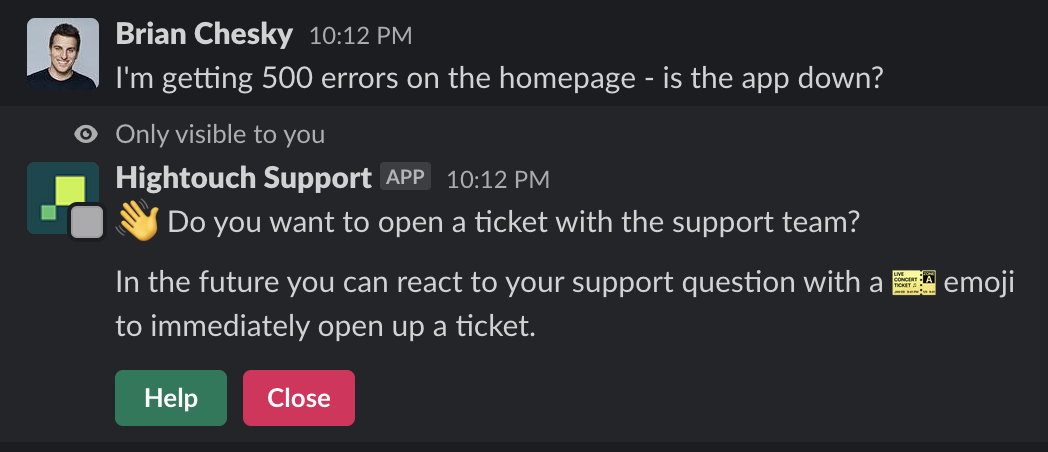

3 ways to change name in Slack (Screenshots above are referenced below):
Logo of Pylon support bot (Hightouch logo in this case): https://app.usepylon.com/settings/workspace
This controls what name appears on messages that Pylon posts to your Slack channels (like ticket notifications, replies from your team, and auto-reply triggers). To update this setting, navigate to Integrations > Slack > Bot display name in Pylon, update the name, and click Save.
@Support Bot that customers can use to create a ticket (@Uni Corn): Slack > Apps > Pylon > About > Configuration > Bot User > Edit