How do I integrate Circleback with Pylon?
Last updated: December 10, 2025
Make sure you are a circleback.ai administrator before going through the app install process.
In Circleback dashboard, navigate to Automations and create a new automation.
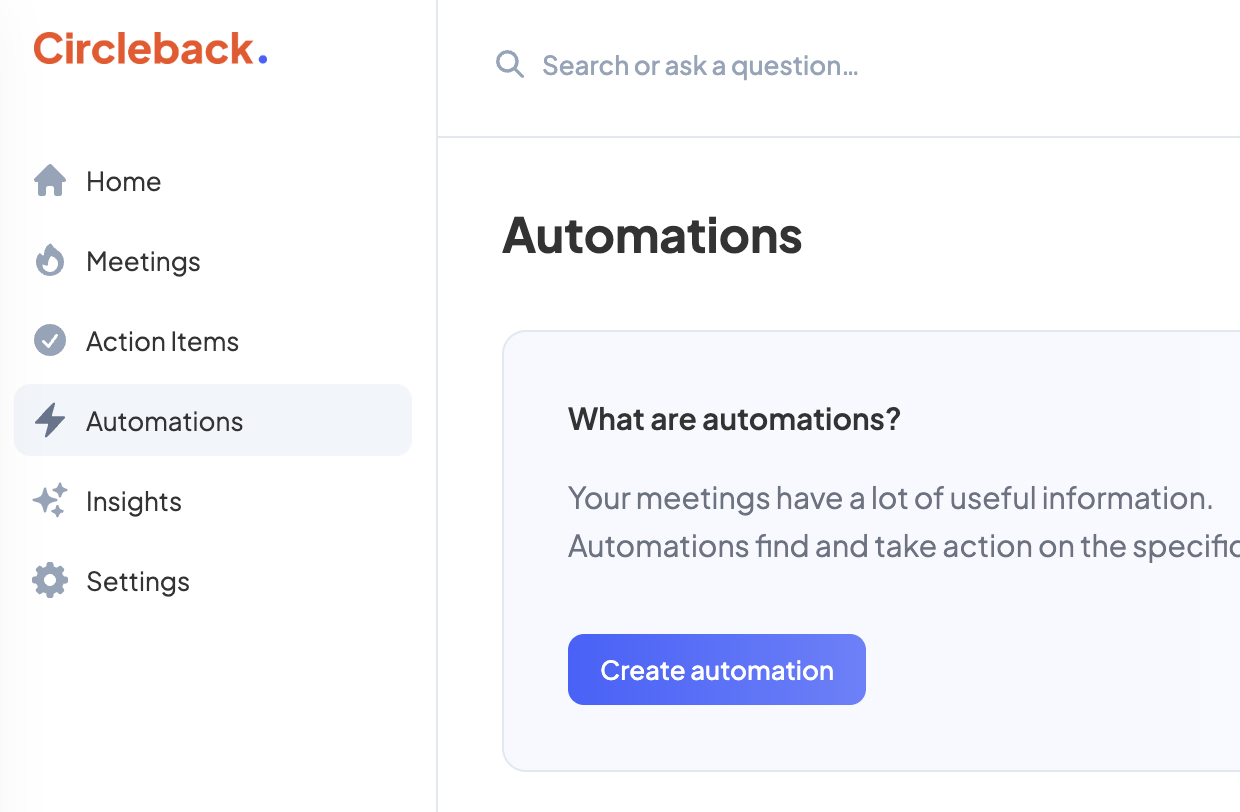
Set the when to run to "After every meeting"
Add a step "Send webhook request" with the following configuration:
Set endpoint to
https://integrations.usepylon.com/circleback/events?organizationId={orgID}You can find this URL with your orgID in the Connect modal on the Circleback app directory pageCheck "Transcript" in the What to Include section

Currently, Circleback does not provide an API for backfilling calls. However, a webhook is available for handling new calls.
Note: To protect participant privacy, on the call list in the Circleback integration page in Pylon, you will only be able to see calls which you were a participant in. Calls from other members of your team in Circleback will still be pulled in and attributed to the correct Pylon account.