How to add article tags to KB articles
Last updated: June 17, 2026
Article tags help you organize knowledge base articles and make it easier for teammates to find related content. You can add one or more tags to an article from the article editor.
Add tags to an article
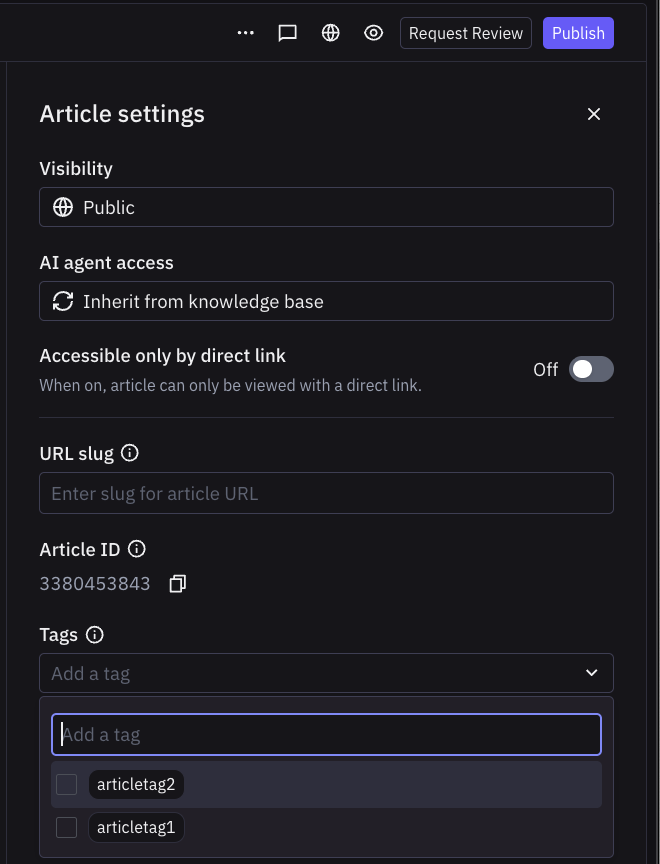
Open the article editor for the article you want to tag.
Click the
...menu at the top of the article editorIn the 'Tags' section of the settings, select an existing tag from the list or create a new tag.
Repeat for any additional tags you want to add.
Save your changes.