How to connect a custom MCP connector?
Last updated: August 27, 2026
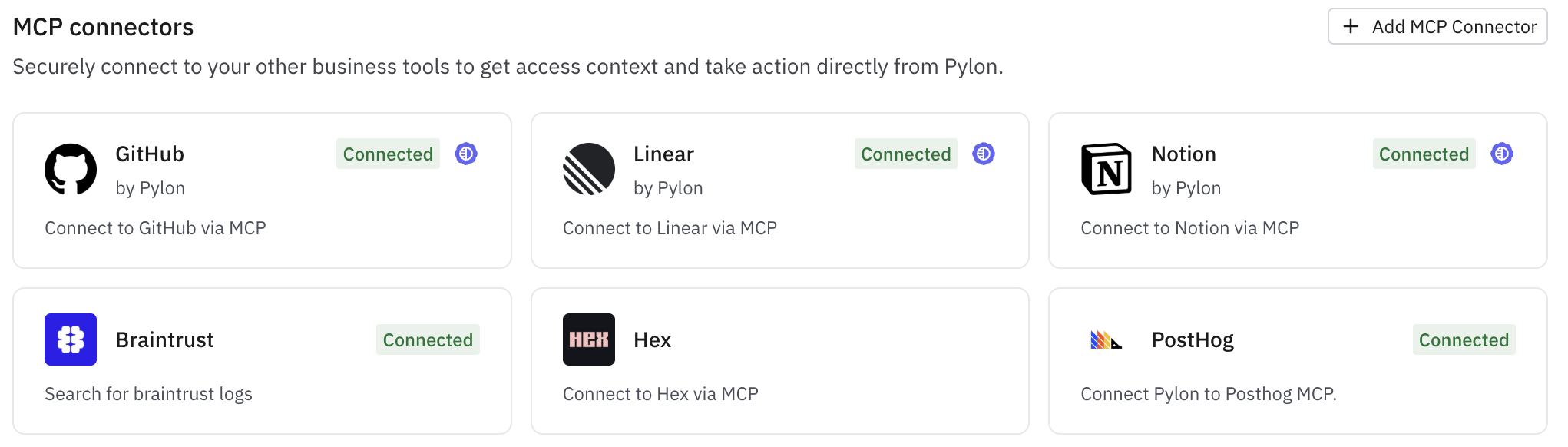
MCP connectors let you give Pylon access to external tools so agents can search, retrieve, and take action in tools outside of Pylon.
Who can set up a custom MCP?
Admins can add new connectors from Settings → AI Controls → Connectors. After a connector is added, individual users can authenticate that connector for themselves.
How to connect a custom MCP
If the connector does not exist yet, ask an admin to add it.
Open the connector you want to use.
Authenticate the connector to connect your personal account.
Once connected, Pylon can use the tools exposed by that MCP.
How connections are used
For human-in-the-loop workflows like Assist Agents, Pylon uses your user connection.
For autonomous agent use cases, authentication is handled separately. See 📄 How does secure delegated authentication for Agents work?for more on how MCP connections are used for autonomous agents.
Once connected, you can use MCP-backed tools in skills, or invoke them directly in Assist Agent prompts.
For example, you can ask Assist Agent to:
“Find any related Linear issues”
“Check if there is a product spec in Notion related to this”
What if a tool you use does not have an MCP?
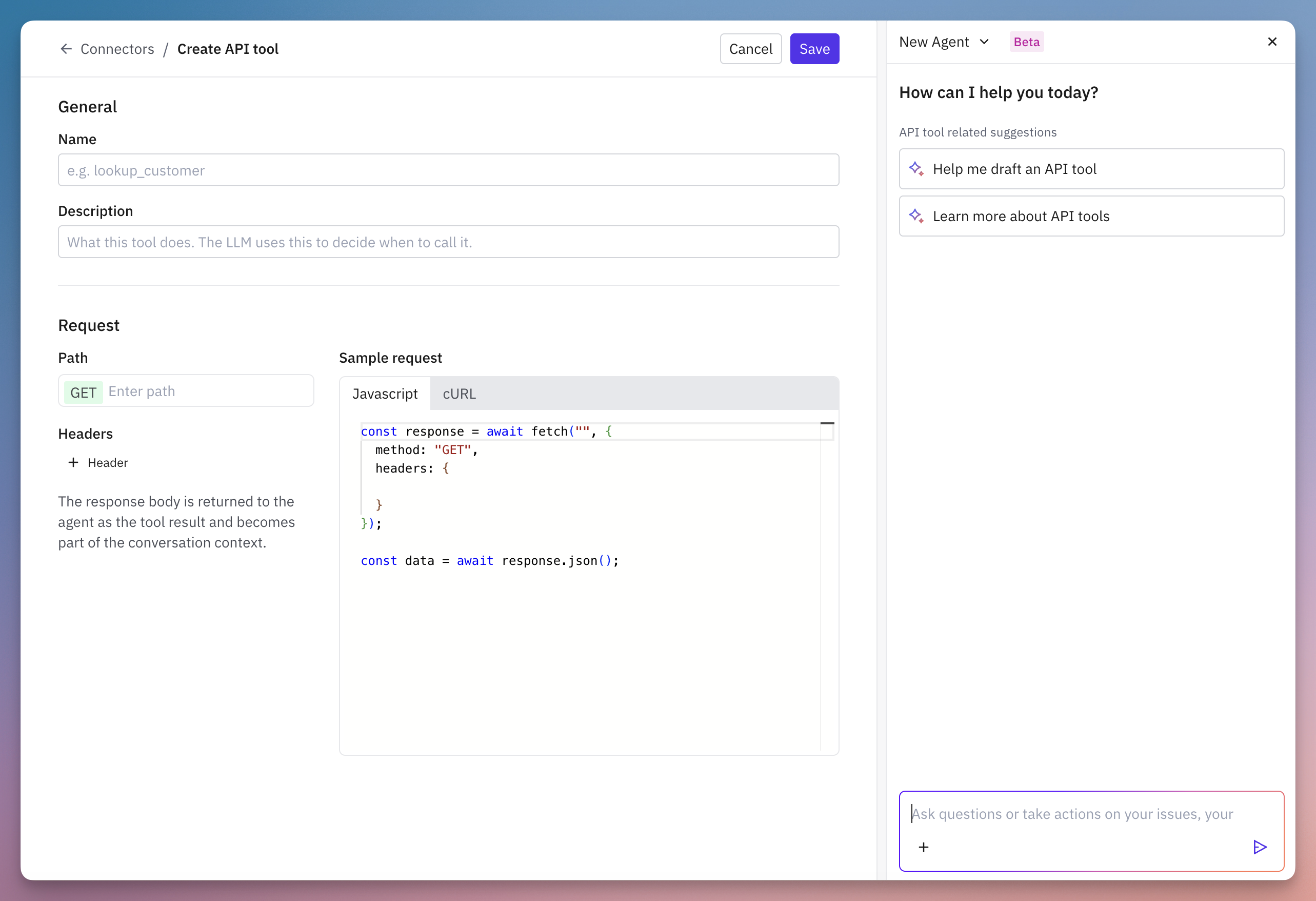
Some tools or internal resources like admin APIs do not have MCPs. You can still connect that external action into Pylon by adding it as a Custom API tool instead.
Custom API tools let you define API calls that agents can invoke directly. The API response is returned to the agent as part of the conversation context, and agents can use these tools in the same ways they use MCP connections.