How do I set up Slack channel creation from Hubspot?
Last updated: August 4, 2025
With this feature, you can provision customer Slack channels directly from either a Hubspot Company or a Hubspot Deal object. If configured on the company object, the channel created will invite all contacts associated with the company. If configured on the deal object, the channel created will invite all contacts associated with the deal.
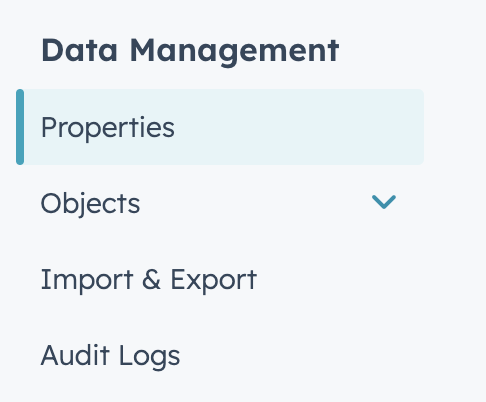
Visit your HubSpot settings page by clicking the gear on your top navbar. Select
Propertiesunder theData Managementsection.
Click the orange
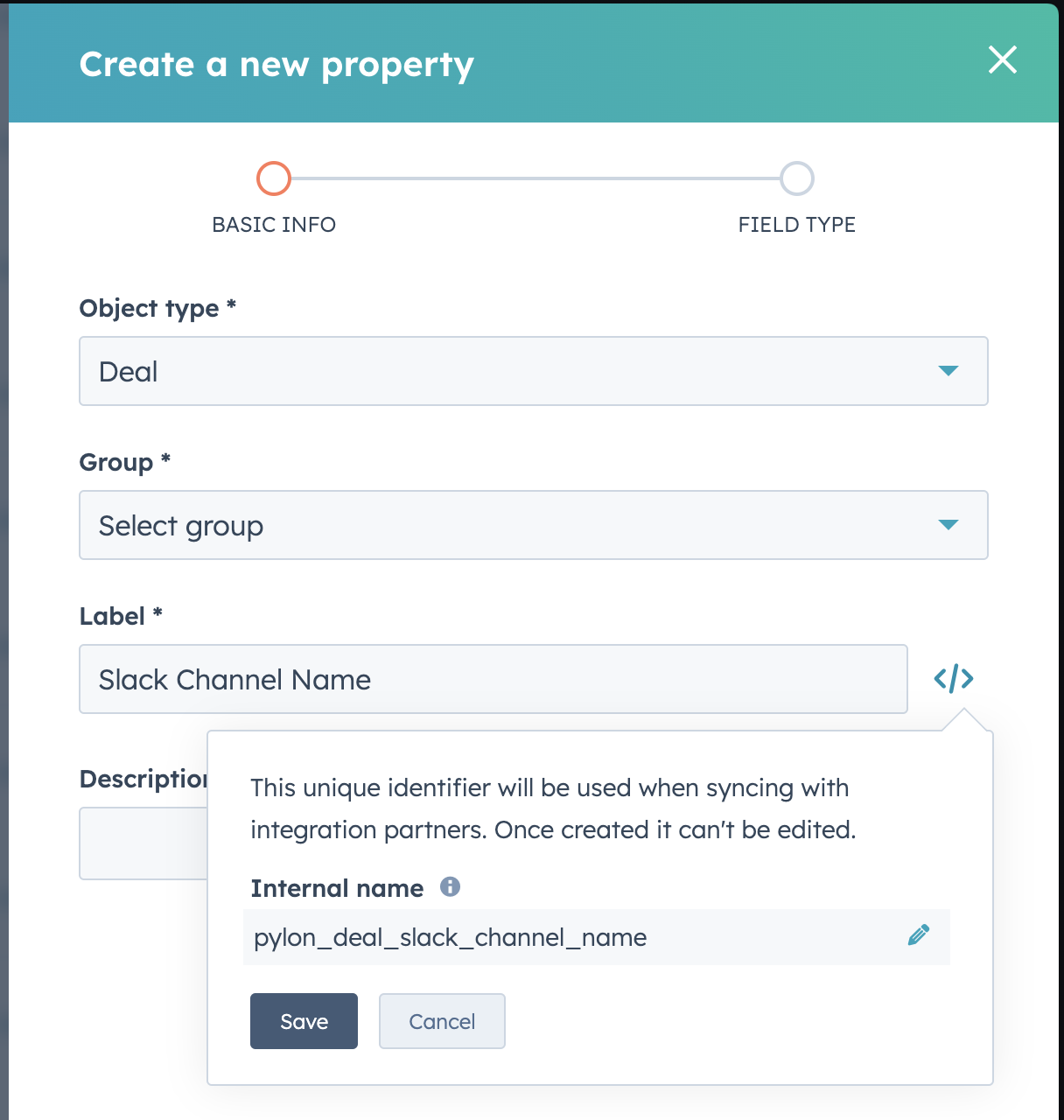
Create propertybutton.Fill in the details as shown in the screenshot below. If you are setting this flow up on the Company object, select Company instead. The
Groupvalue can be set as any of the available options. You must click the code symbol next theLabeland set the internal name properly. For Deals, the value should bepylon_deal_slack_channel_nameand for Companies, the value should bepylon_company_slack_channel_name.
Hit next, and on the following screen, set the field type as
Single-line text.
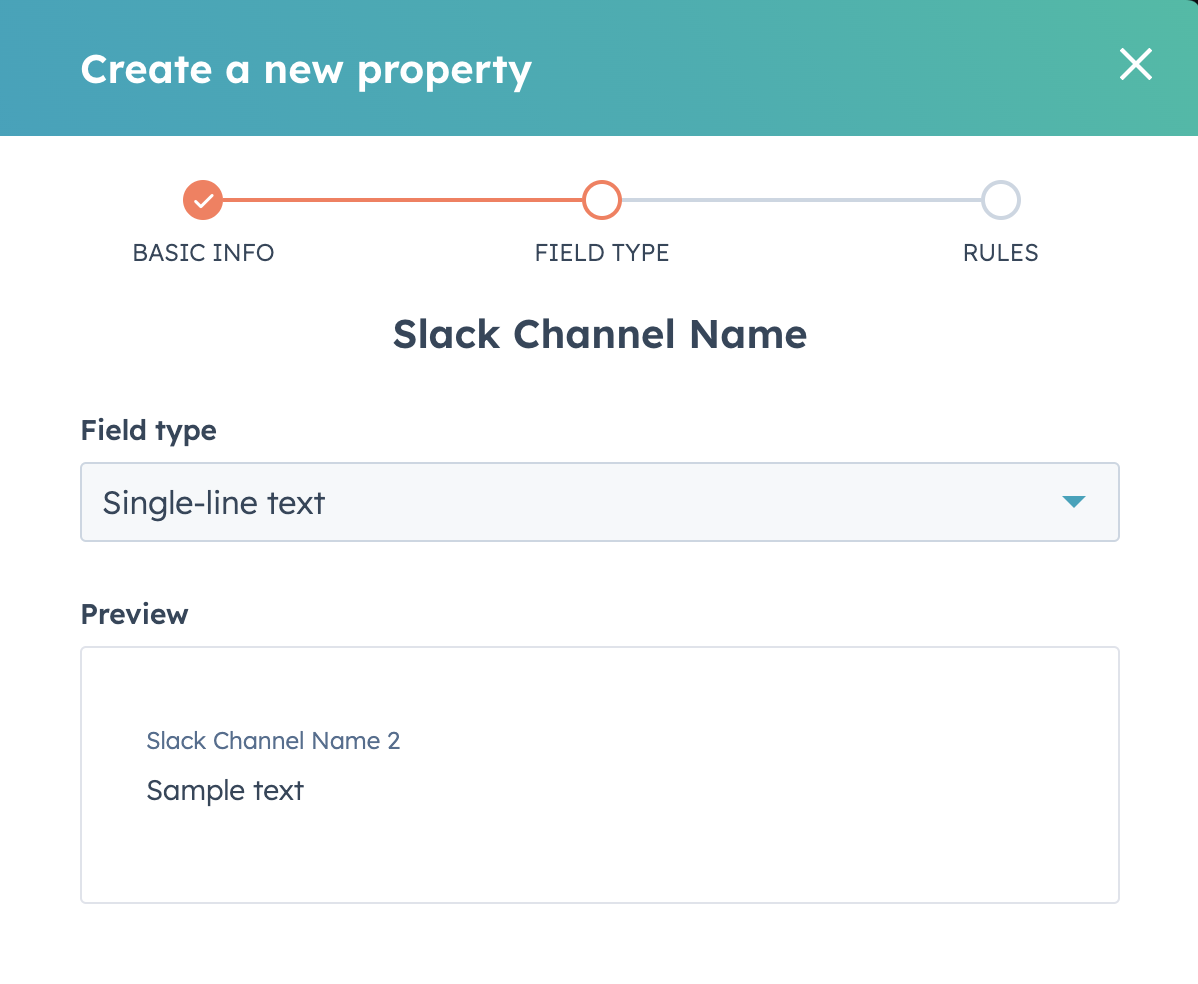
On the Rules page, leave all the checkboxes unticked and hit
Create.Go to an individual record page for an example Deal or a Company, depending on what you made the property on. In the left sidebar, click
View all properties.Scroll down on the page to the section you made the property into in Step 3 and select
Add to your view.
