AI Agent Assignment Rules
Last updated: June 23, 2026
Everything related to AI Agents starts with their assignment to an issue. It follows the same rules as assigning a human to an issue, think of it in the same way: If the Agent is assigned, the agent will work on the issue - if not, it won't. Analogy: assignment in Pylon works the same way as a normal assignment through triggers.
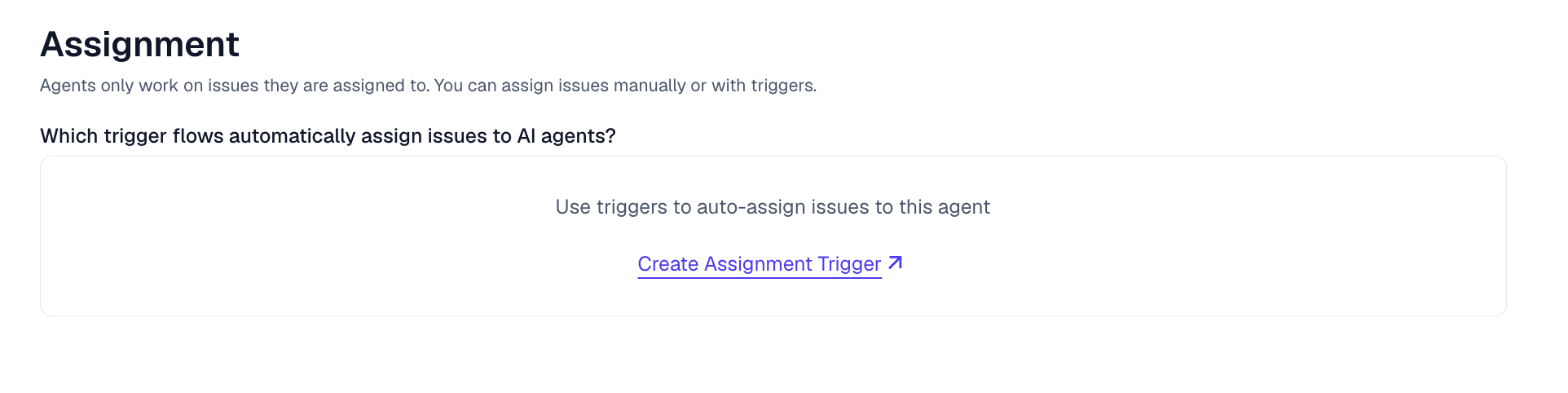
To ensure Agents are working on issues, go to AI Agent > Assignment and create a new assignment trigger:
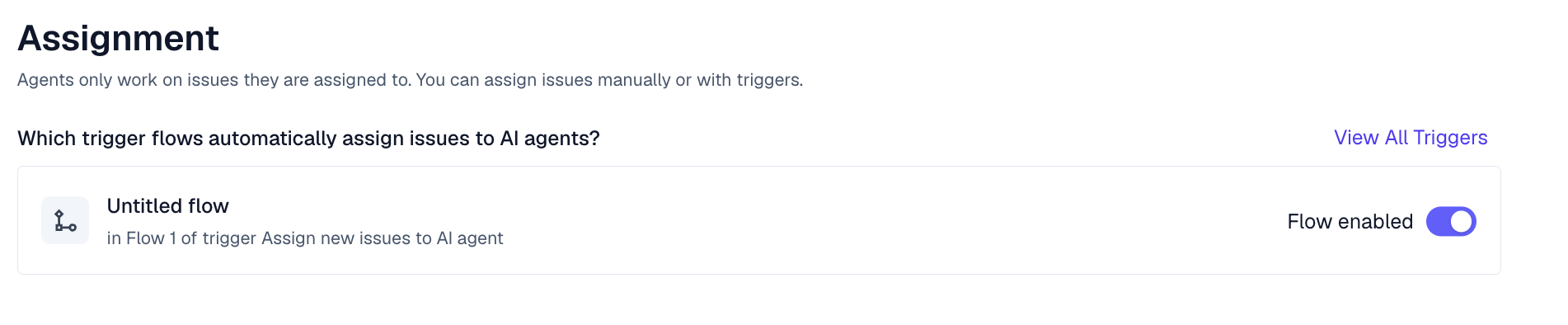
Make sure that this toggle is "Flow enabled" toggle is on:
Other important facts/best practices about AI Agent assignment:
Once the agent is unassigned from an issue, it will not be able to take any more actions on that issue
AI agents automatically skip vendor‑initiated threads (threads started by your team members). To explicitly ensure this behavior, you can add a “Direction is Inbound” condition to your AI Agent assignment trigger to exclude anything started by your team.
You can use the
Reassign to teamorReassign to useractions within a Runbook to have the Agent route issues to the right people. For complex use cases, some customers might have a "Triage Agent" that is solely in charge of routing issues to the right user (or other AI Agent).Restrict agents to specific channels: AI Agents can handle issues from any source (e.g. Slack, Microsoft Teams, chat widget, etc.). To limit an agent to only respond in certain channels (e.g., Slack only), add an
Issue Source is [channel name]filter to each trigger that assigns issues to the agent. Since agents must be assigned to work on issues, this channel filter ensures the agent only gets assigned—and therefore only replies—on your chosen channels. You can find all triggers assigning issues to your agent on the Assignments page in the agent settings.