How do I duplicate a macro?
Last updated: November 8, 2024
Steps to Clone a Macro
Navigate to the Macros page under Settings.
Locate the macro you wish to clone in the list of macros.
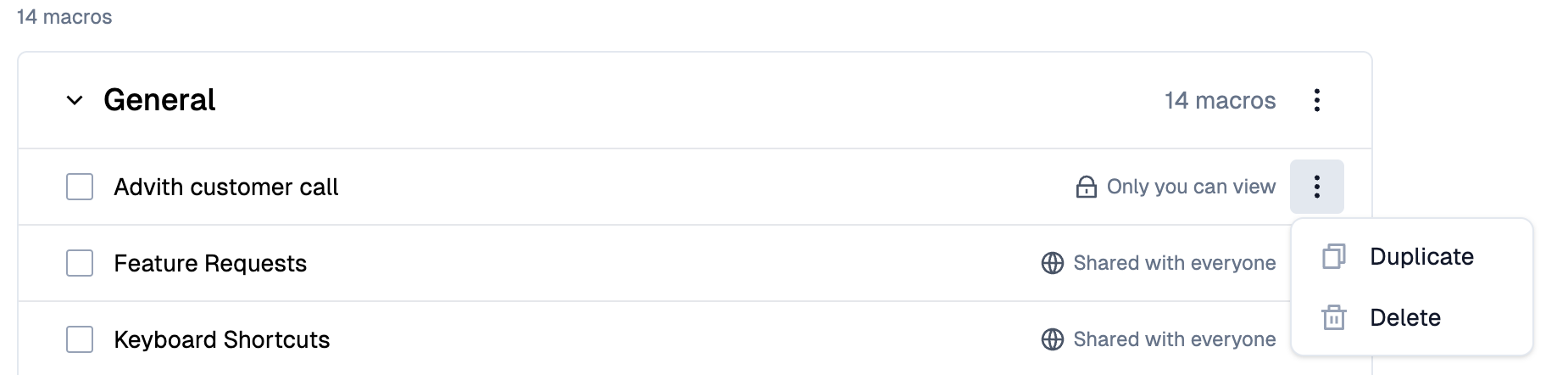
Click on the menu icon next to the macro you want to clone.
Select the "Duplicate" option from the menu.
Make any necessary changes to the cloned macro.
Save the new macro.