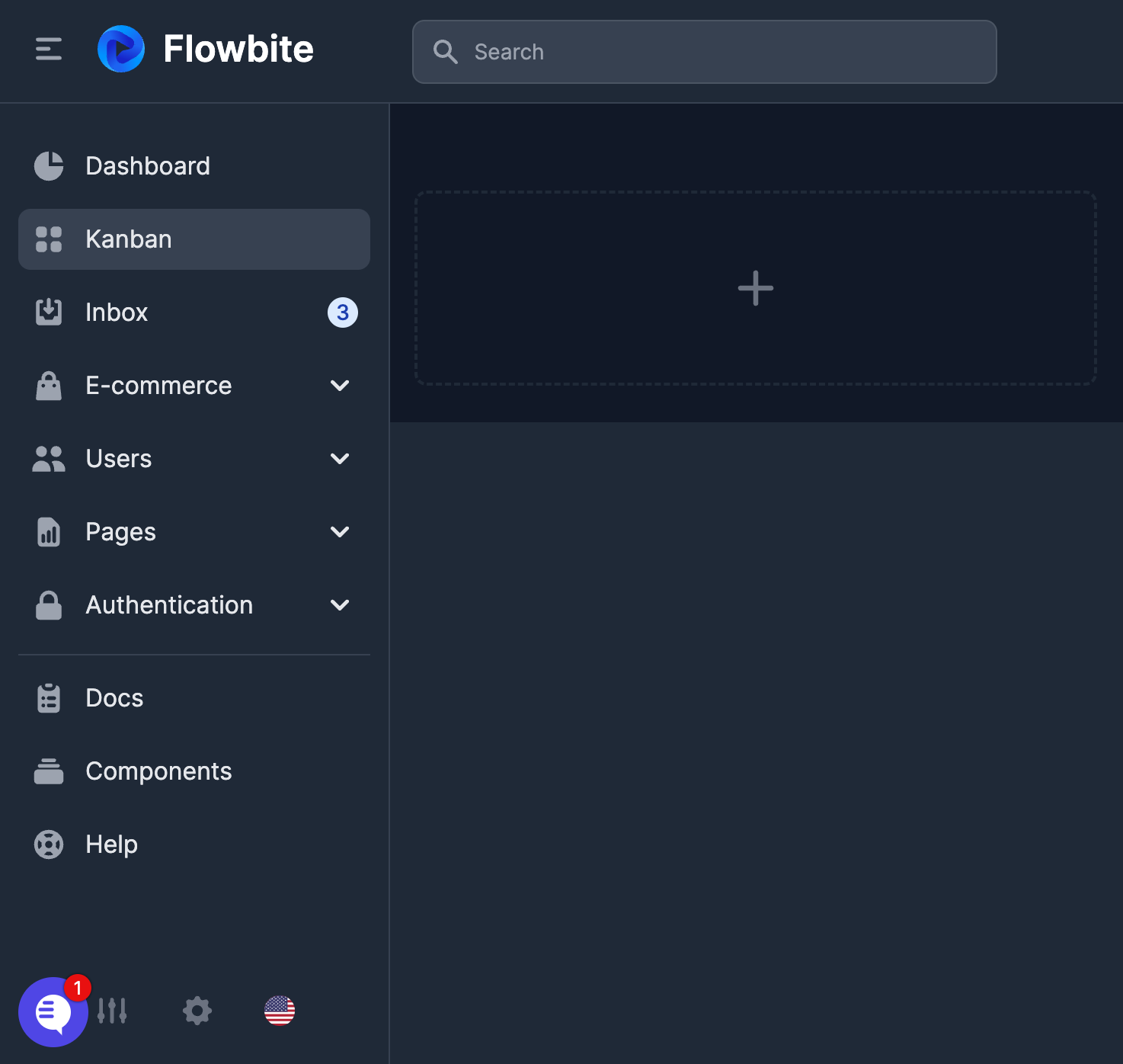
How do I change the position of the chat widget?
Last updated: October 29, 2026
The chat widget sits in the bottom-right corner by default. You can move it with CSS overrides on .PylonChat-bubbleFrameContainer and .PylonChat-chatWindowFrameContainer. The chat window sizes itself from whichever edge you anchor it to, so you can also anchor it to the top of the page, for example with top: 60px !important; bottom: auto !important; transform-origin: top right !important;.
To move the widget to the bottom-left corner, insert these styles to override our fixed positioning
/* CSS */
.PylonChat-bubbleFrameContainer {
  left: 8px !important;
  right: auto !important;
}
.PylonChat-chatWindowFrameContainer {
  left: 8px !important;
  right: auto !important;
  transform-origin: 20px calc(100% - 76px) !important;
}
Note: The transform-origin property is necessary to ensure the widget's open/close animations expand from the correct direction when positioned on the left. Without it, animations will still expand from the right side. You may need to adjust the transform-origin values (20px and calc(100% - 76px)) depending on your exact placement.
Now, it is in the bottom left corner now.