How does the Snowflake Integration work?
Last updated: May 29, 2026
This article explains the warehouse import and warehouse export settings used by Pylon's Snowflake integration. You can install the integration from the Snowflake page.
Warehouse Export
Warehouse exports require the following information:
Warehouse (Optional)
The warehouse that is used to write data. If one is not specified, the default warehouse will be used.
Database The database that data will be written to. We recommend creating a new database for Pylon data.
Schema
The schema that data will be written to. We recommend creating a new schema for Pylon data.
Role (Optional)
The role that database operations will be performed with. Must have write access to the database.
Table
The name of the table that data will be written to. Pylon will automatically create this table for you with the proper schema.
Warehouse Import
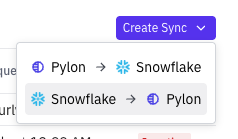
Warehouse imports require the following information:
Warehouse
The warehouse that is used execute the sync query.
Role
The role that is used to execute the sync query. Only roles that have been granted to the Snowflake user you set the integration up with will be shown here. You will only be able to see and sync tables that this role has permission to view. We recommend making sure this role is read-only.
You will select the database, schema, table, and columns you want to sync during the sync creation flow.
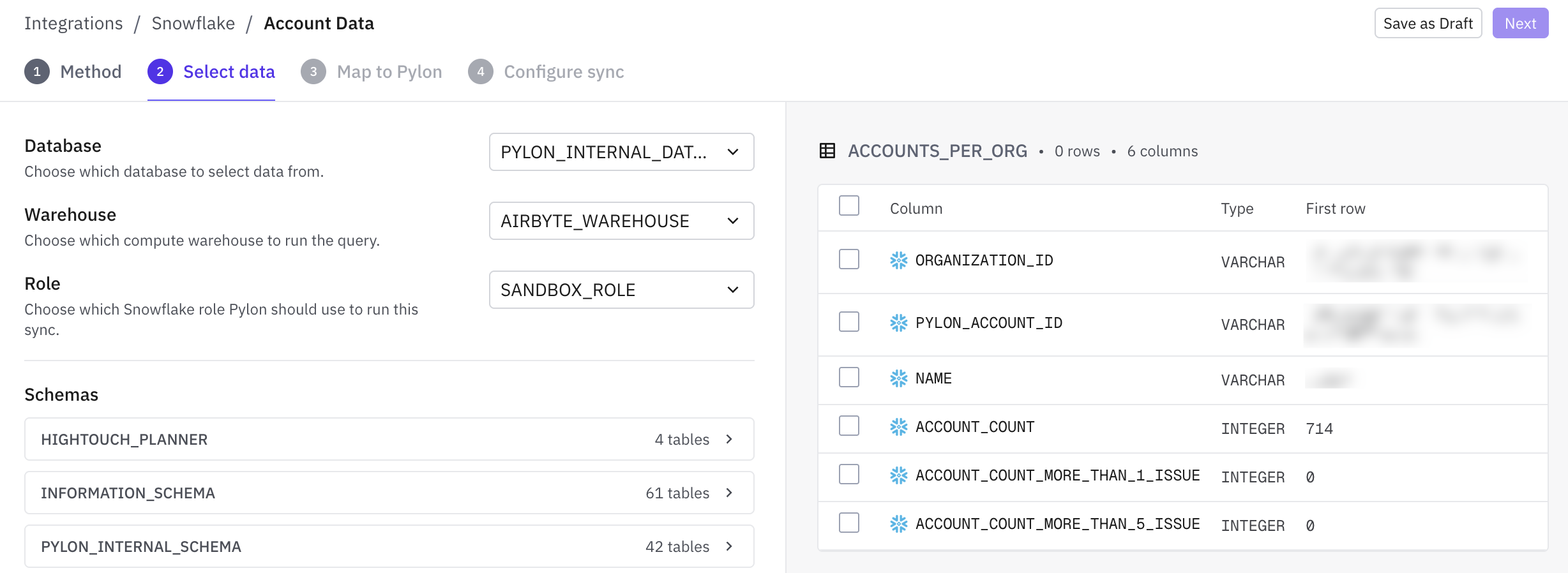
You can either choose from existing tables or write SQL directly - the columns of the resulting table can be mapped directly into fields onto accounts or contacts.