How do I connect the Confluence MCP?
Last updated: June 10, 2026
For a lot of teams, their internal documentation & collateral is managed within Confluence, owned by Engineering or Product.
Atlassian Setup
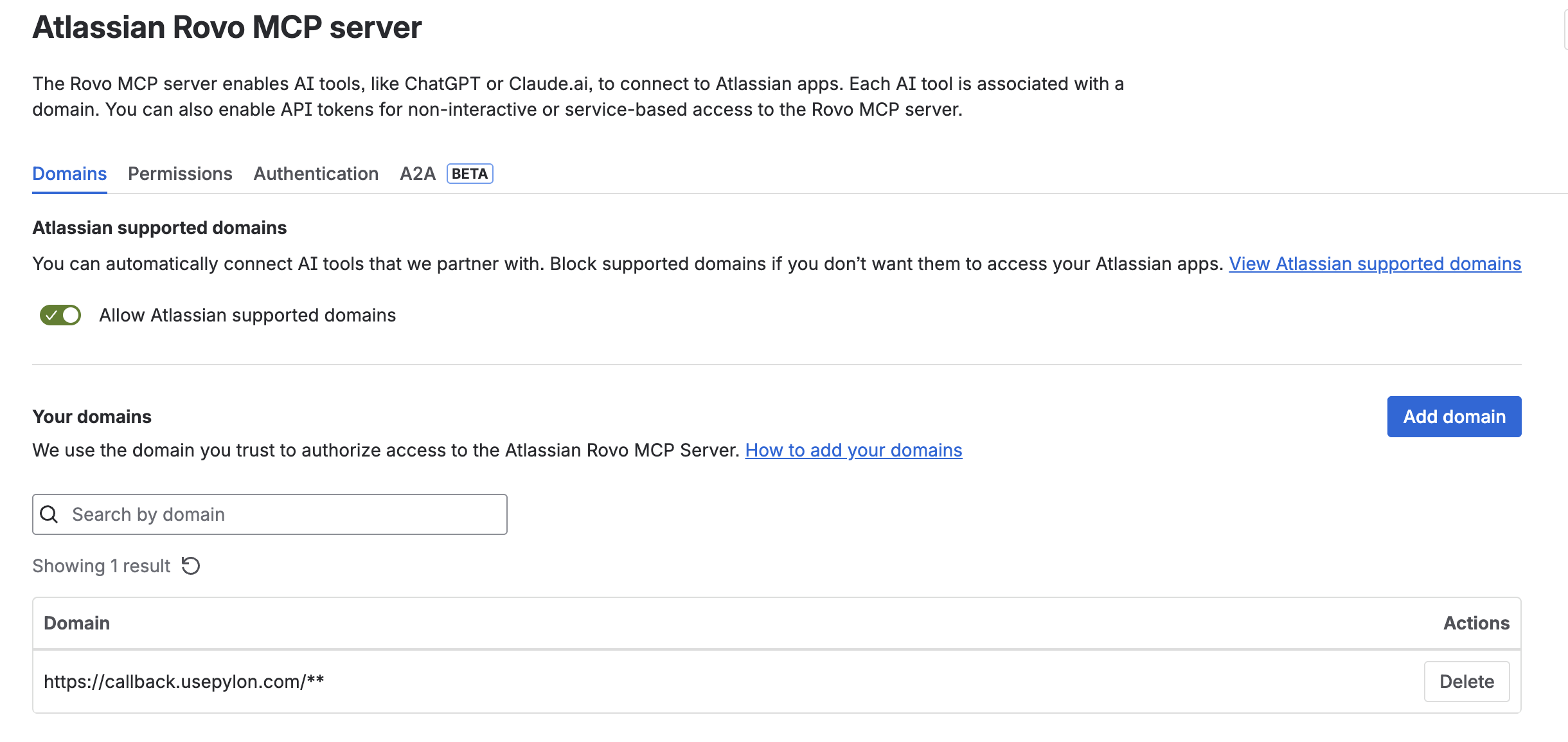
By default, Atlassian allows access to its MCP to the domains listed here. You'll need to manually add Pylon (https://callback.usepylon.com/**).
Pylon Setup
Navigate to Integrations and scroll down to the MCP section and find the Confluence connector.
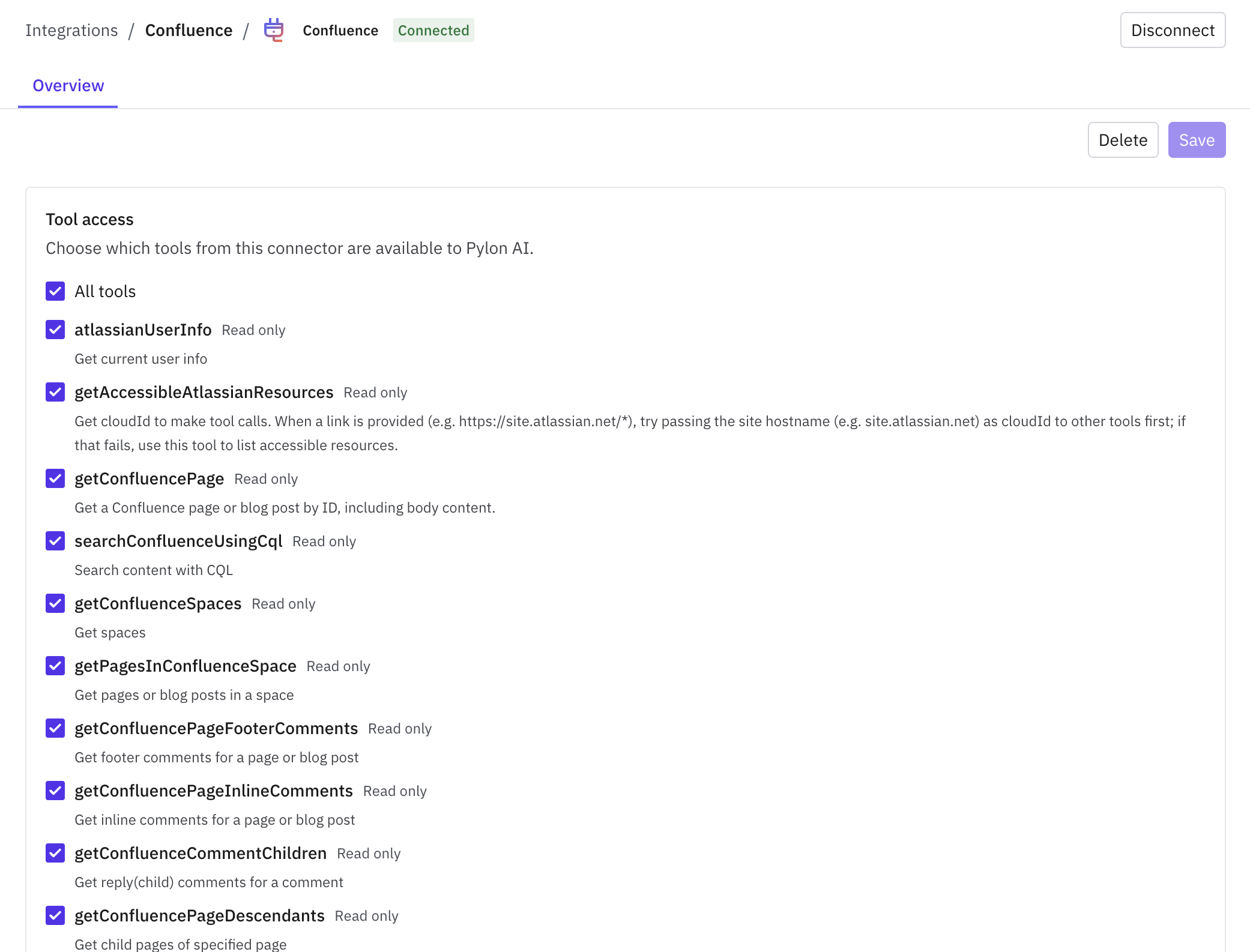
Once you approve & connect, you should be good to go! You'll get a list of tools that Confluence has made available via MCP - you can toggle which tools Pylon AI has access to.