How do I sync Pylon Skills with skills from other tools (e.g. Claude, Codex)?
Last updated: October 8, 2026
Pylon AI Skills and Claude/Codex skills are separate systems, but you can manage Pylon Skills directly within Pylon.
What's the difference?
Pylon AI Skills — natural-language instructions stored in Pylon that guide your Assist Agent, Slack Agent, Support Agent, and automations. Managed in Settings → AI Controls → Skills. Additionally you get built-in version history as well as the ability to manage permissions of skills.
Claude / Codex skills — reusable prompt templates stored as
.mdfiles in your git repository (under.claude/skills/). These are used by coding agents to assist developers during coding workflows.
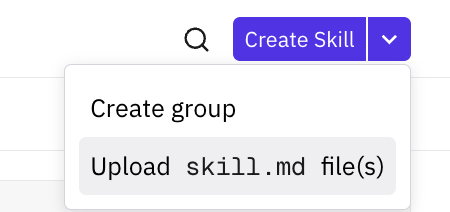
You can upload Claude or Codex skills to Pylon (pure md files!) to have a good starting point for your Pylon skills! You can also use Assist Agent to help you write the skills if you are starting from scratch or editing an existing Pylon AI skill.