How do I send a ticket form in Slack?
Last updated: June 5, 2025
To send a ticket form in Slack, first setup your ticket form.
Form Setup
Go to Ticket Forms under Settings and hit "Add Ticket Form"
Select "Allow on Slack"
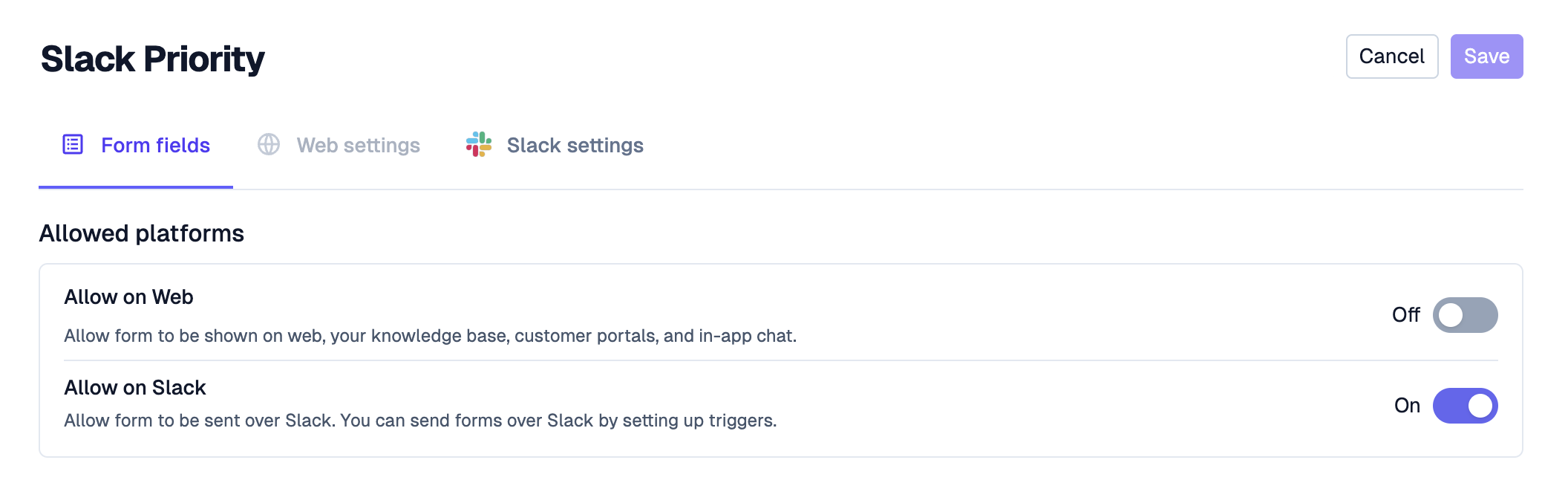
Select the fields you wish to display at the bottom of the page
In the Slack Settings tab, configure any additional properties about the form.
Usage
Go to Triggers under Settings and hit "Create Trigger"
Use the Send ticket form on Slack recipe to get started

Add the conditions you want for when the form should be sent out (example for certain customers)
Select the form you wish to send out!
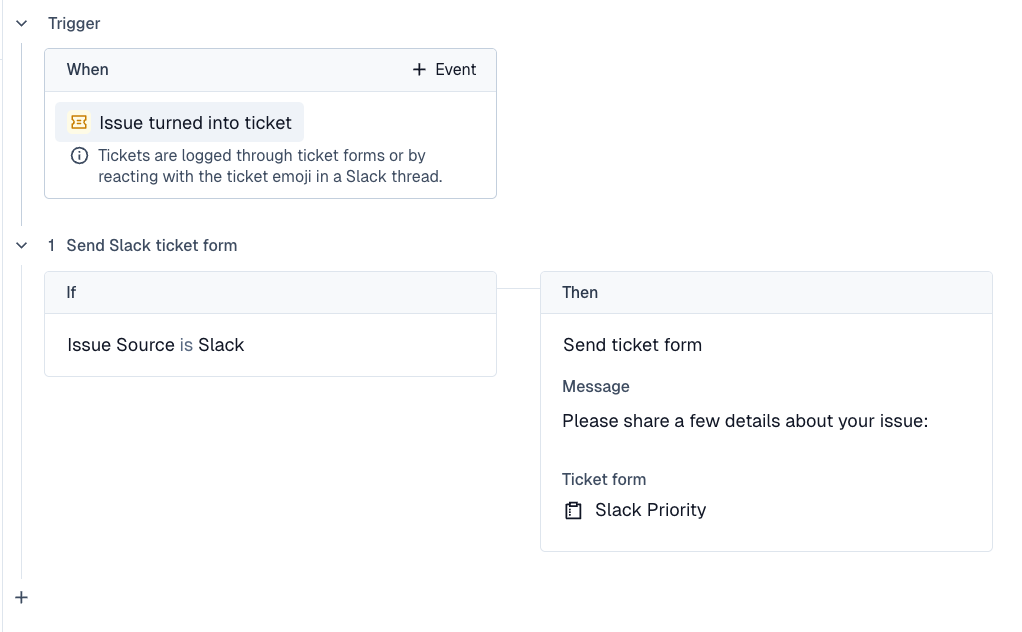
Preview
