How do I setup Harvest Time Tracking Integration?
Last updated: July 25, 2025
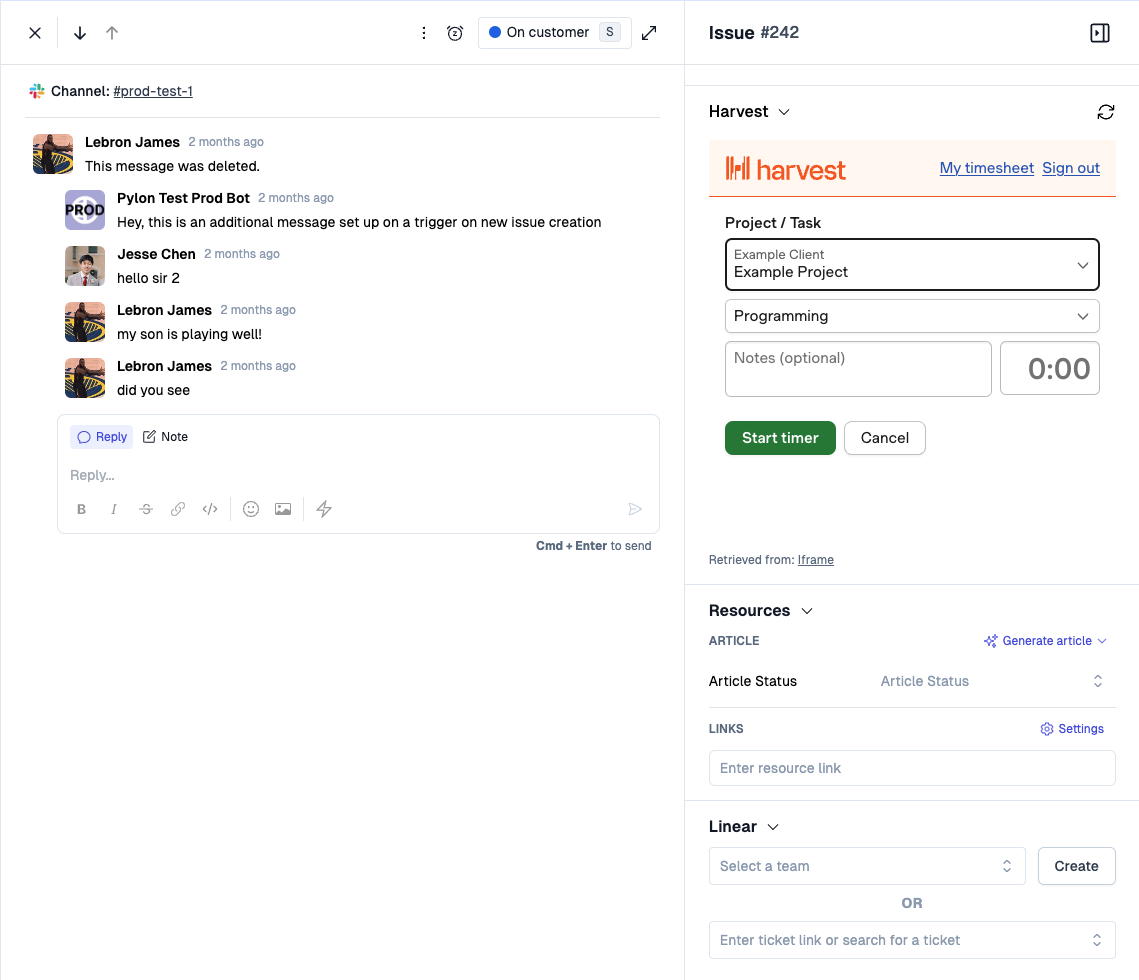
If you're looking to embed the Harvest Time Tracker in Pylon's issue sidebar, you've come to the right place. This will allow your agents to start their timers directly inside a Pylon issue in the sidebar.
Setup
Visit the App Directory and scroll to the bottom and under the Custom section select Iframe.
Fill in the fields
Title:
HarvestIn the iframe URL field:
https://platform.harvestapp.com/platform/timer?external_item_id={{ issue.id }}&permalink={{ issue.link }}&external_item_name={{ issue.title }}Height:
500pxAfter you click Save, click Connect at the top of the page
Go visit your issues page, your issues will now have the Harvest app in the sidebar!