How to auto-close inactive customer issues?
Last updated: June 5, 2025
Templates
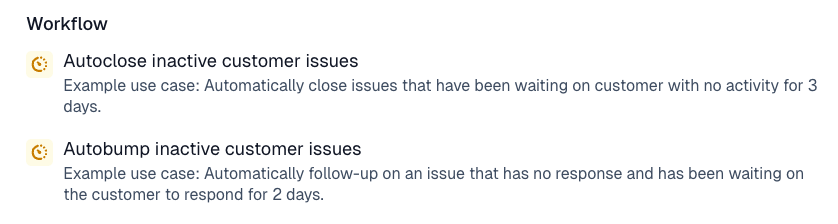
Two pre-configured trigger templates are available for managing inactive customer issues:
Autoclose inactive customer issues: Automatically closes issues that have been waiting on a customer response with no activity for 3 days.
Autobump inactive customer issues: Automatically follows up on an issue that has been waiting on the customer to respond for 2 days.
Usage
Either
Navigate to the Triggers page
Click create and use one of the two inactive customer issue templates.
Or
Navigate to the Triggers page
Create a trigger from scratch
Under the "If" condition, set a time delay condition and set the activity condition and duration the condition needs to be met for.