How do I delete a contact from an account?
Last updated: October 25, 2024
You can remove a contact from a customer account by:
Click on the account from the accounts page
Click on the contacts tab
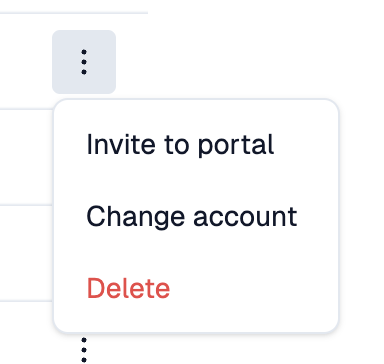
On the right side of the table, click the 3 dots and hit delete.
Deleting a contact will not delete issues associated with them, but will remove them as a requester from all issues.