Do contacts have to be created in Pylon to login to the portal?
Last updated: March 3, 2026
Generally speaking, contacts must already be created in Pylon for them to login to the customer portal.
You can configure the auto creation settings on the Customer Portal settings page in order for contacts to be auto created on login with your default role if they do not exist.
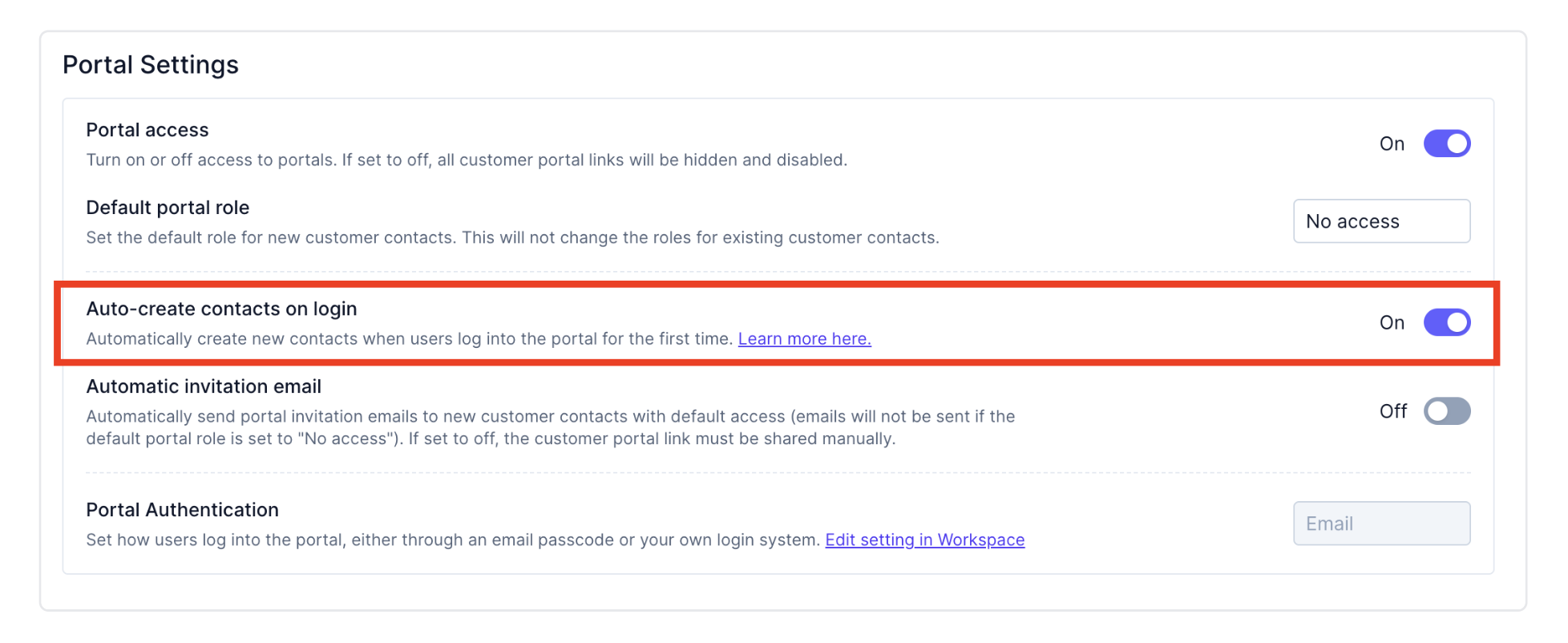
Contacts are associated with an account based on the domain of the contact trying to login. For example, if you have an account with domain example.com and the contact attempting to login has email bob@example.com, they will get auto created into the corresponding account. If there is no corresponding account, they will not be able to login.
If domains on your accounts are improperly set, this setting may cause contacts to inadvertently get access to issues not in their account.
Contacts created from Slack
Contacts are also automatically created in Pylon when someone sends a message in a connected Slack channel - no portal login required. If your Default Portal Role is set to Admin or Member, these contacts will immediately have portal access.
If you want to control who gets access, set your Default Portal Role to "No Access" in Settings > Customer Portal. Contacts will still be created from Slack, but they cannot log into the portal until you explicitly grant them access.