Why can't customers leave comments on tickets in the Customer Portal?
Last updated: May 30, 2025
Context
When using the Customer Portal, there may be instances where customers are unable to leave comments on certain tickets. This typically occurs when the ticket was created internally without an external communication thread.
Answer
Customers can only comment on tickets that have an external communication thread. If customers are unable to comment on a ticket, this is likely because the ticket was created as an internal-only issue.
To enable customer comments on an internal ticket:
Open the ticket in question
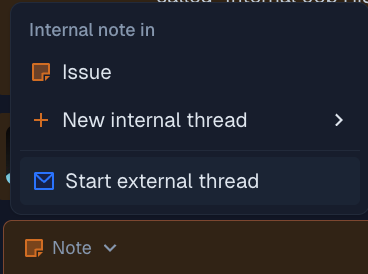
Click the "Start external thread" option from the communication options
This will create a customer-facing thread where they can respond
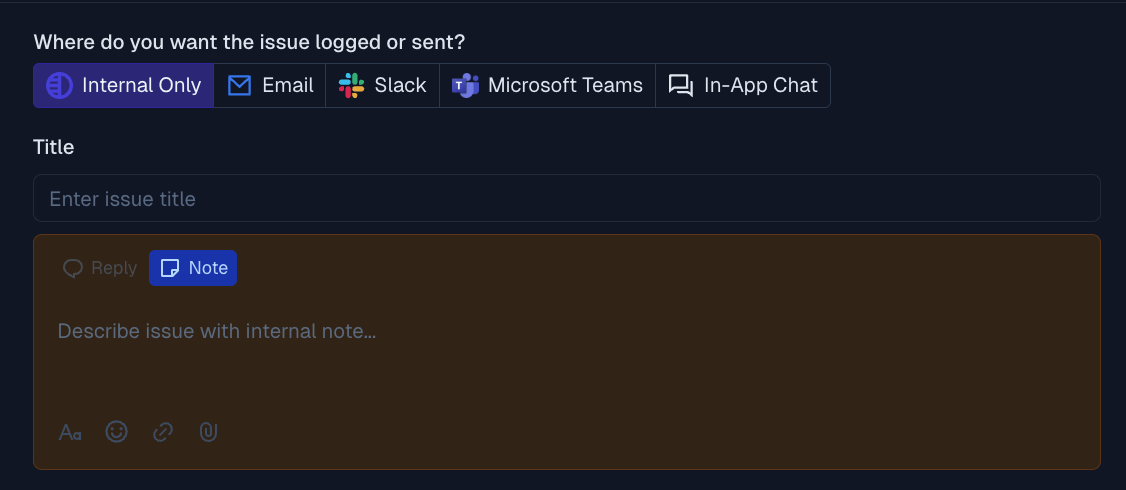
Note: Issues created through external channels (Email, Slack, Microsoft Teams, or Chat Widget) automatically have an external thread and customers can comment on these tickets right away.