How do I setup and enable Asana forms?
Last updated: February 28, 2025
If the Asana 'Create' button on the Pylon sidebar is greyed out and you are unable to create tasks directly from the Pylon web app, you likely need to set up and link Asana forms.
Create a new field into your Asana library called
Pylon Issue IDwith typeText.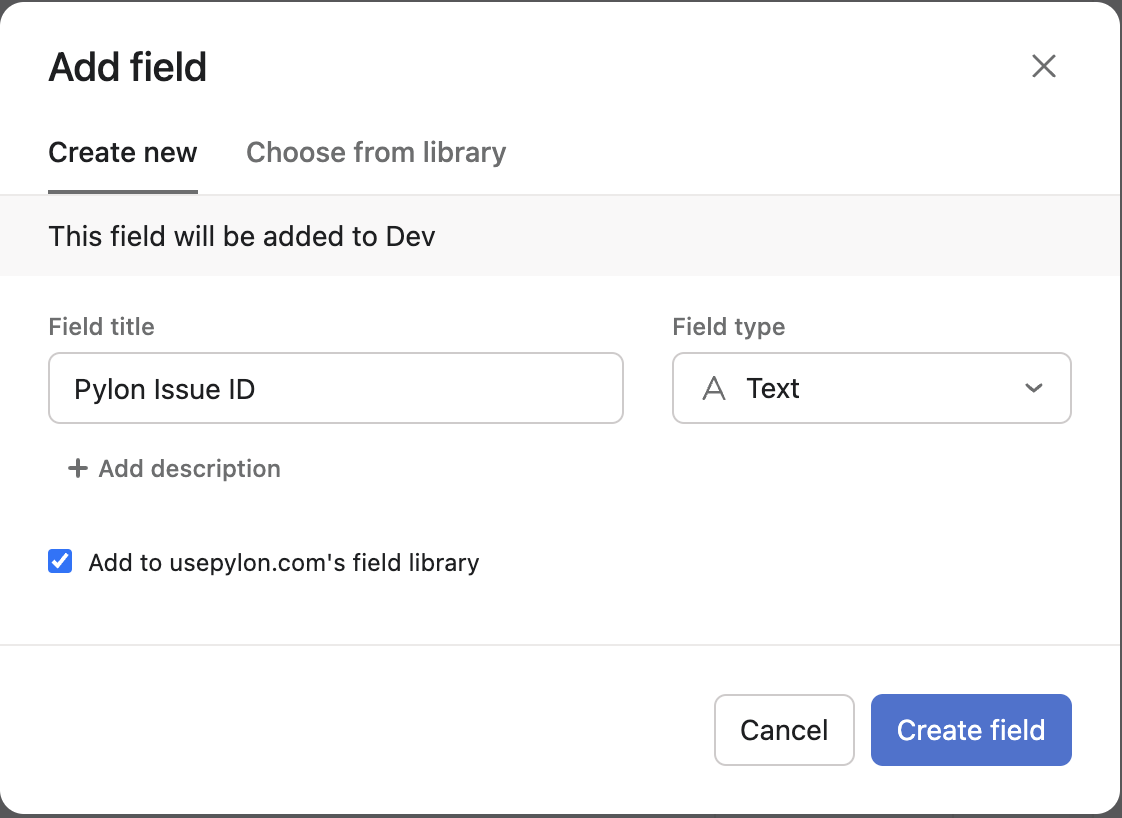
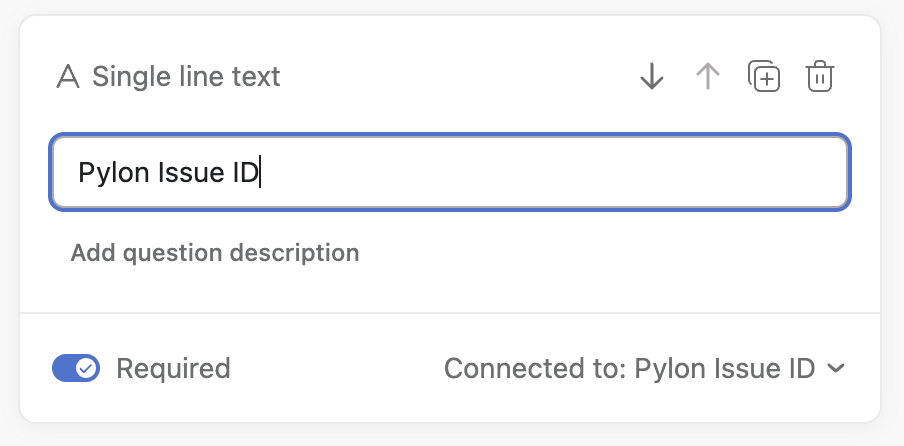
You’ll need to create an Asana form with all the fields you want your support team to fill out when handing off to the product team. At the top of the form, add a Single Line Text field “Pylon Issue ID” mapped to the field you previously created.
On the Sync Settings tab of the Asana integration page in the Apps Directory, map projects where tasks can be created to form URLs