How do I connect private GitHub repositories?
Last updated: February 28, 2025
You can connect private GitHub repositories to enable issue creation and tracking. This is configured through GitHub's settings, not through the Pylon interface.
Steps to Enable Private Repository Access
Go to your GitHub organization settings
Navigate to Settings > GitHub Apps > Pylon
In the Repository Access section, you can:
Select "All repositories" to grant access to all current and future repositories
Choose "Select repositories" to specify individual repositories
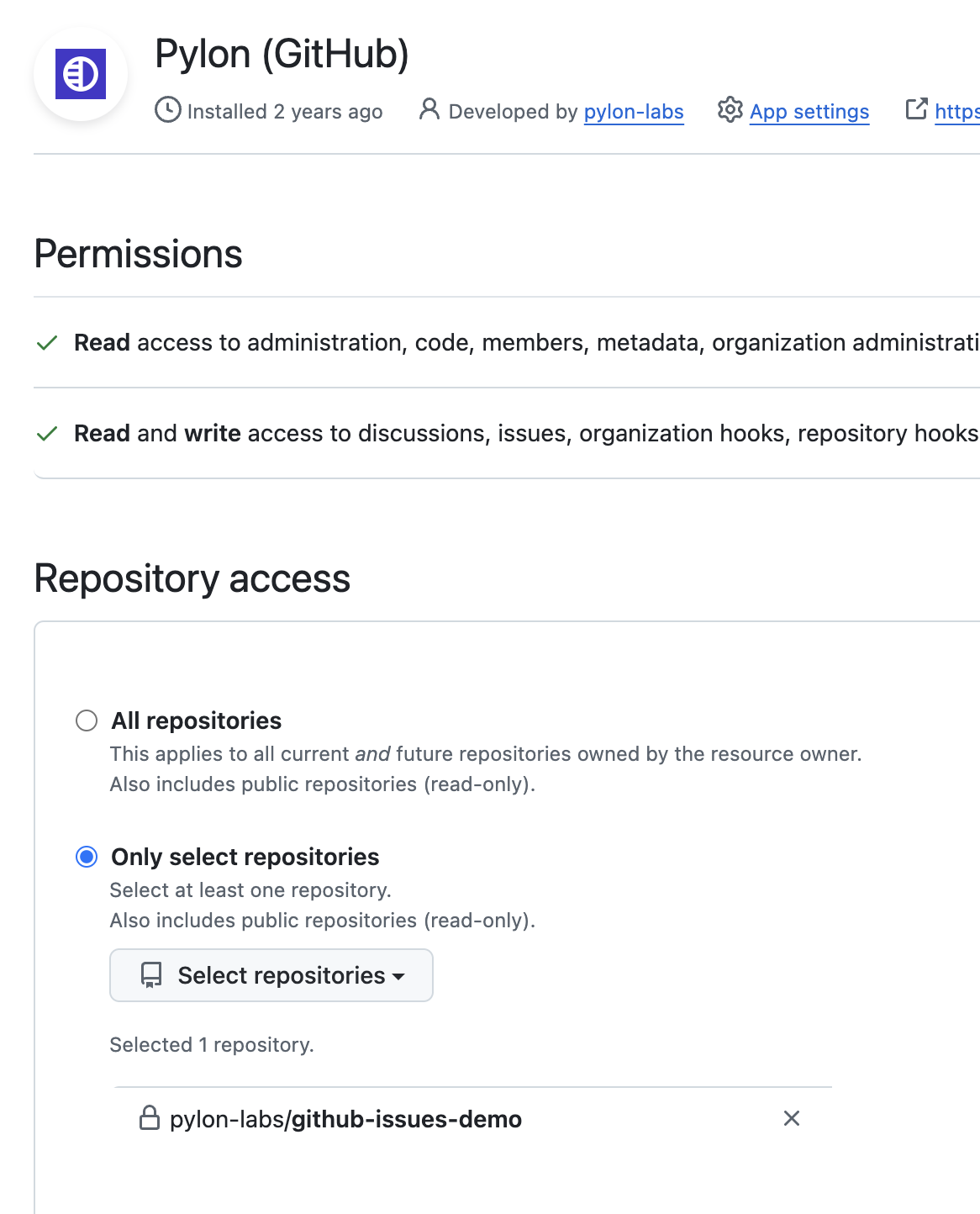
Note: This setting is managed in your GitHub organization settings, not in the Pylon Apps directory.